
If an API key used for Brevo transactional SMS is exposed, a dashboard password change or enabled 2FA does not replace that integration credential.
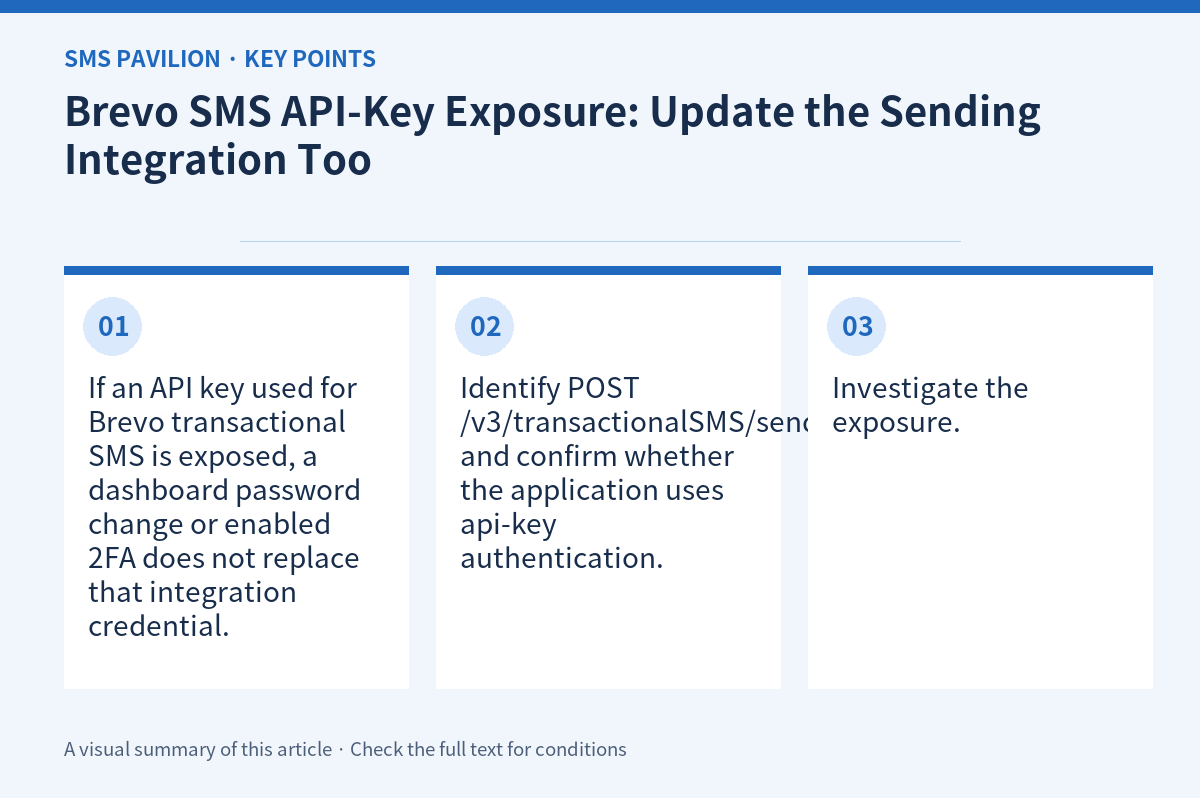
- Identify POST /v3/transactionalSMS/send and confirm whether the application uses api-key authentication. These rotation steps concern API keys, rather than every supported authentication method.
- Investigate the exposure. Brevo’s compromised-account guidance calls for replacement keys, updated integrations and deletion of compromised keys. Coordinate urgent containment with the incident and business requirements.
- Check the running sending environment, keeping keys and complete authentication headers out of logs.
A key Brevo deactivates and locks as read-only after detecting compromise cannot be reactivated.
The asynchronous SMS endpoint returns a messageId when created. Check subsequent delivery separately; creation is not handset receipt. No SMS was sent for this article, and key rotation is not a promise that an account-level sending restriction disappears.
References: Official reference 1; Official reference 2; Official reference 3.
