
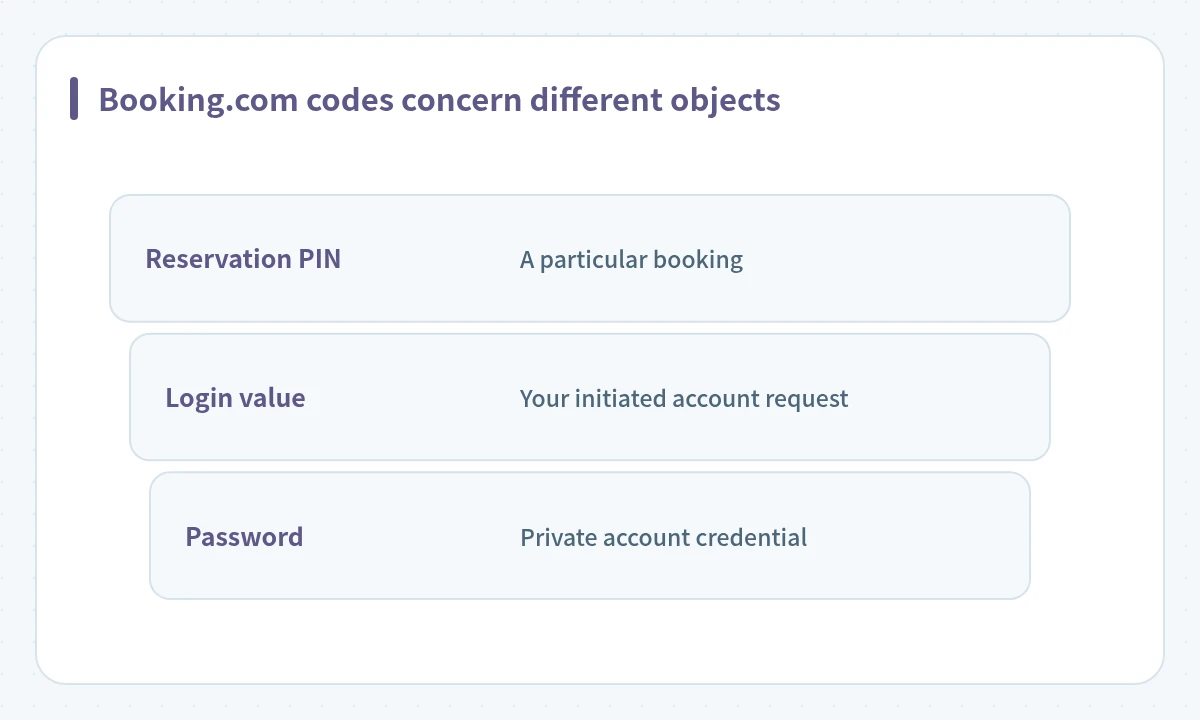
Booking.com verification codes for account entry are different from a reservation PIN. Both can appear in travel-related communications, but they identify different tasks. A request to discuss a booking does not create a reason to disclose the code for a new account sign-in.
Identify the object before providing information
Booking.com's traveller-safety guidance discusses account two-factor authentication separately from customer-service identification of reservations. Official support may ask for a reservation identifier or PIN. That does not mean an unsolicited caller should receive your password or current login value.
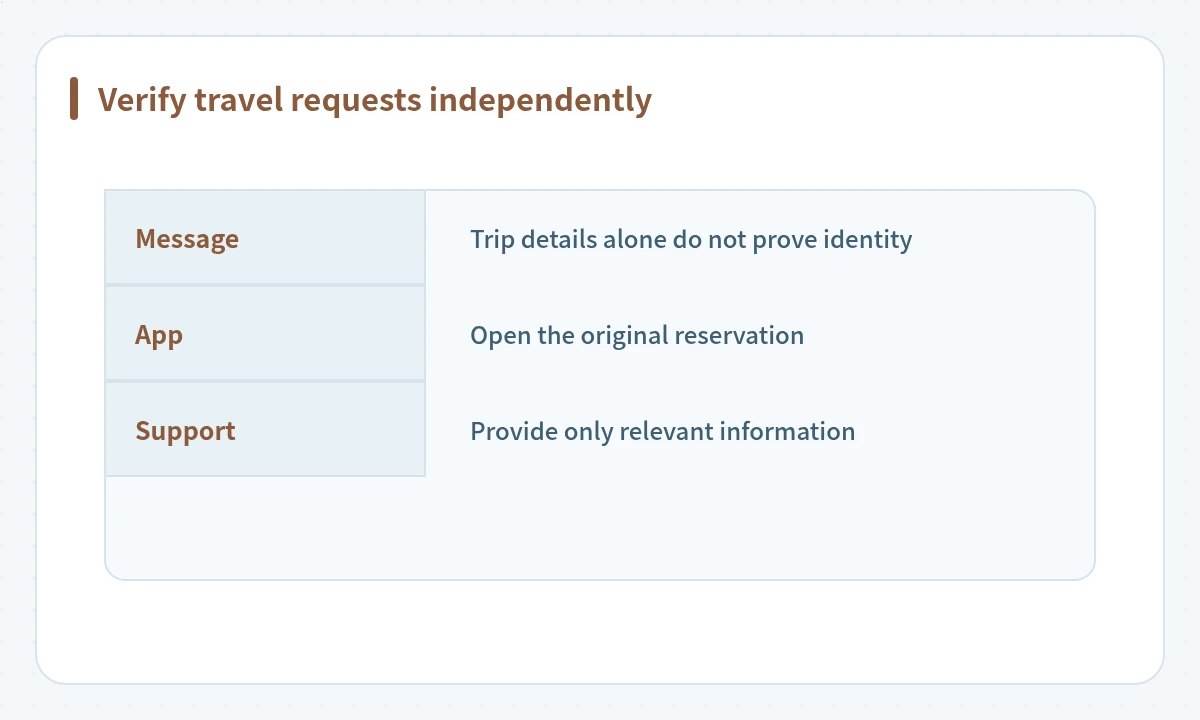
Open the reservation and support entry independently through the app or known website. Someone knowing your hotel or dates is not sufficient proof that they represent the service. Those details should help locate a booking, not replace checking the communication channel.
Keep the three kinds of information distinct
| Information | Relevant purpose |
|---|---|
| Reservation identifier and PIN | A particular booking's support context |
| Login code | Your initiated account-entry request |
| Account password | Your private login credential |
If a message demands a code to keep a room, pause the conversation and inspect the actual reservation. A sequence combining login, payment and contact changes deserves separate verification of each requested action. Do not let urgency make their different purposes disappear.
Use the established platform support channel for uncertainty about a request. The fact that a message appears to concern a genuine trip does not establish that the accompanying link or caller is authorised to handle account credentials.
Investigate missing login messages on their own route
Compare the current sign-in method and destination before checking your line or inbox. The PIN in an old reservation confirmation is not an alternative for a missing account code. Follow retry restrictions and associate late messages with the request they belong to.
If the enrolled contact is unavailable, identify that loss as an account-access issue. Sending more messages to an old resource does not establish ownership of it. Preserve any remaining legitimate access while reviewing the official recovery options.
After entering the account, inspect whether the expected booking is present. If it is absent, compare the original confirmation and account identity before declaring reception broken. Successful authentication and locating a particular reservation are separate observations.
Limit the information in a support record
Provide official customer service with the details needed for the relevant booking. In public discussions, hide the full itinerary, contact data and payment information. A complete confirmation screenshot may expose a reservation PIN even when the writer intended only to show an error.
If credentials were entered on a suspicious page, return through the official entry to secure the account and report the incident. Do not accept an unknown person's claim that another login code will reverse what happened. Any actual booking or payment issue needs its own confirmed support process, rather than more disclosure to the same uncertain contact.
A reservation-specific note should identify the affected booking before any requested change. If two trips appear in the account, check the property and dates privately. This avoids applying a genuine support instruction to the wrong reservation simply because both confirmations contain a PIN.
References
Booking.com: Traveller account and reservation safety.
