
Bolt verification codes in the driver app should be investigated alongside account activation and the linked telephone number. A driver account that has not reached a code request needs a different check from a message sent to a usable line but never received. Begin by identifying that stage.
Confirm that the account is a driver account
Bolt's driver help lists login credentials, access to the linked number and activation status among the checks. Establish the app, role and local support context first. A passenger-account tutorial does not define the driver's sign-in process.
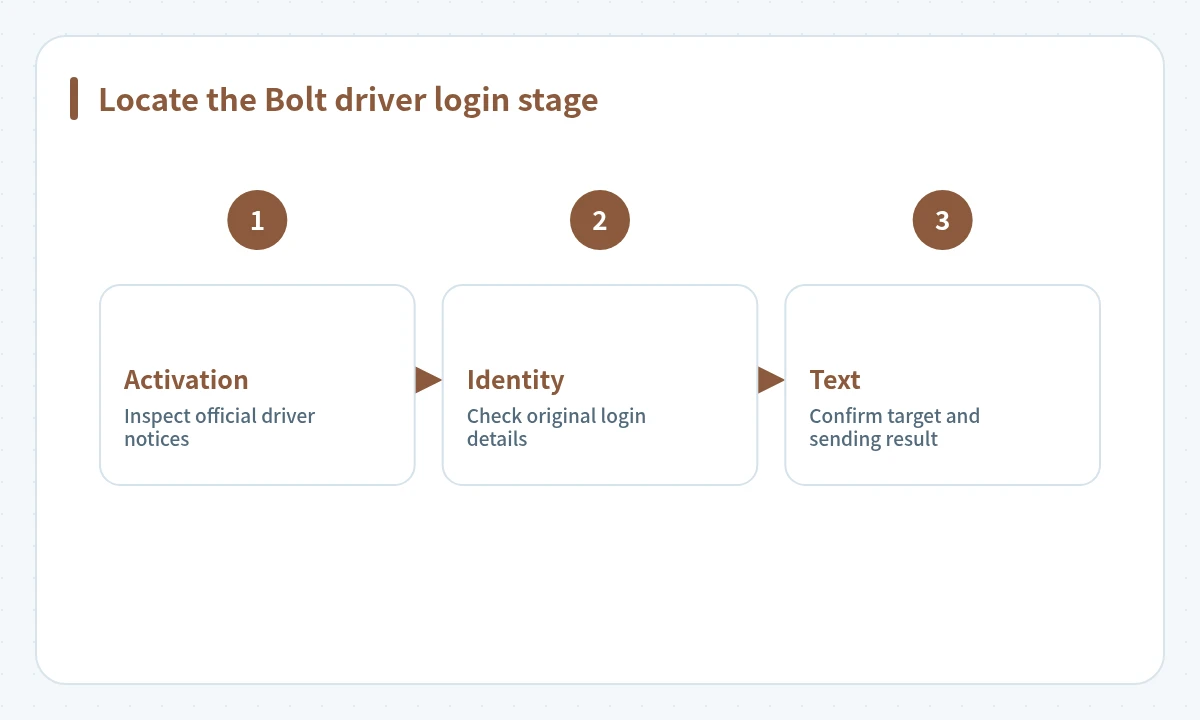
Inspect any official activation and login instructions you received. If the current page concerns activation or rejected credentials, changing SMS settings may not address the interruption. Note whether the app actually says a message was sent, including the masked target it displays.
Separate three common observations
| Observation | Next area to check |
|---|---|
| Activation incomplete | The formal driver-account process |
| Credentials rejected | Your original login identity |
| Code requested but absent | The linked number and reception state |
For a request genuinely directed to your own line, inspect the device and follow the official retry instruction. A text reaching another SIM does not establish that the driver account will send there. The destination comes from the account record and current request.
Keep the request time and result visible while investigating. An error before sending should not be reported as carrier loss, and a delay after sending should not automatically be called an activation failure. The distinction gives support an identifiable point to examine.
A new phone does not update the recorded number
Reinstalling the app or moving to another handset does not, by itself, change the number associated with an existing identity. If the old line is unavailable, preserve legitimate sessions and account notices while contacting official driver support about the permitted update.
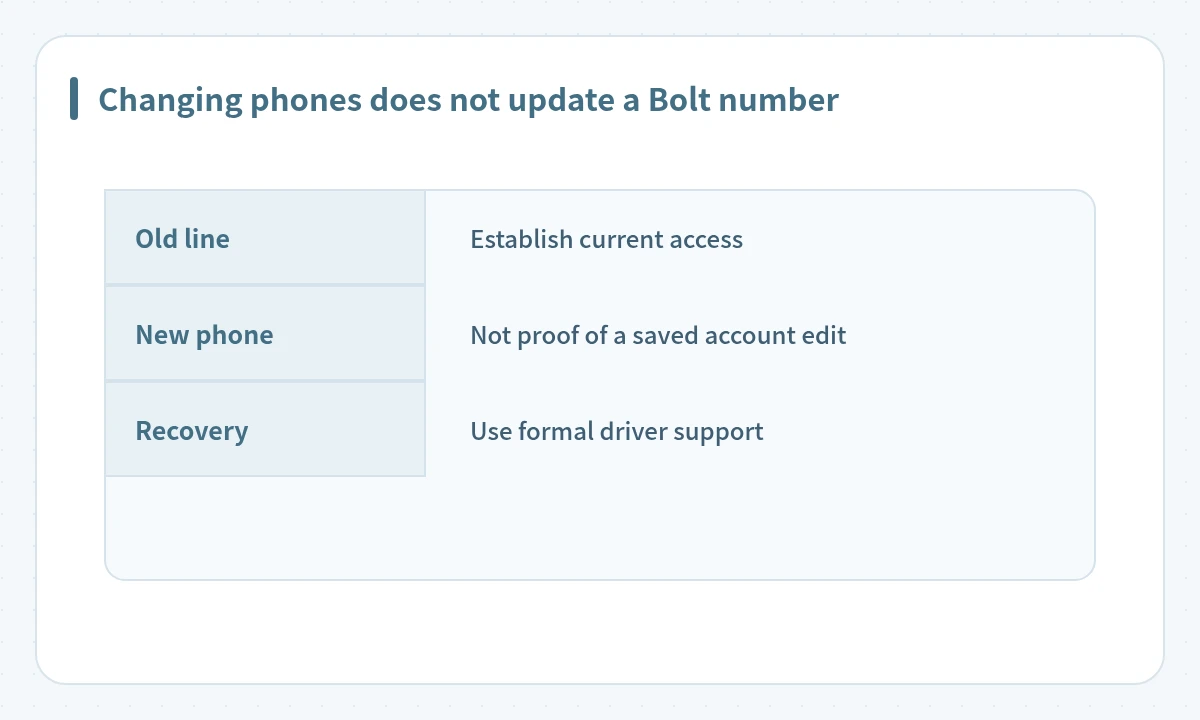
Describe whether the previous number has been discontinued or remains active but missed this request. The first situation concerns maintaining account information; the second can justify investigation of delivery. Repeatedly requesting messages to an unusable old line does not solve the first problem.
Do not use another person's number to confirm an existing driver identity. The aim is to maintain the original authorised account, not to create several conflicting records while testing reception.
Inspect driver status after successful entry
Once the code is accepted, check the intended driver profile and its actual status. Login does not replace other participation or operational requirements. Use the corresponding app page to determine what remains outstanding rather than infer readiness from one passed challenge.
A helpful report includes the local driver product, time, selected method, masked target and exact error. Send necessary identity information only through the appropriate official process. Public posts do not need full documents, authentication values or other people's journeys. Clear stage information is more useful than a long series of unlabelled screenshots from repeated account attempts.
For a planned number change, write down which driver identity needs updating before replacing the line. Keep the local account notices available. This prevents a support conversation from confusing an existing driver account with a passenger profile opened using the new number.
References
Bolt driver support: Troubleshooting account login.
