
Bluesky verification codes for email two-factor authentication belong in the account mailbox, not the phone's SMS inbox. Identify that destination before changing mobile settings. The practical question is where the requested message was delivered or filtered, and whether the account still points to an address you control.
Verify the destination before searching folders
Compare the current account address with the sign-in request, including spelling and accidental extra characters. An alias also needs a working destination behind it. Recognising the address is not the same as confirming that its forwarding or receiving arrangement still works.
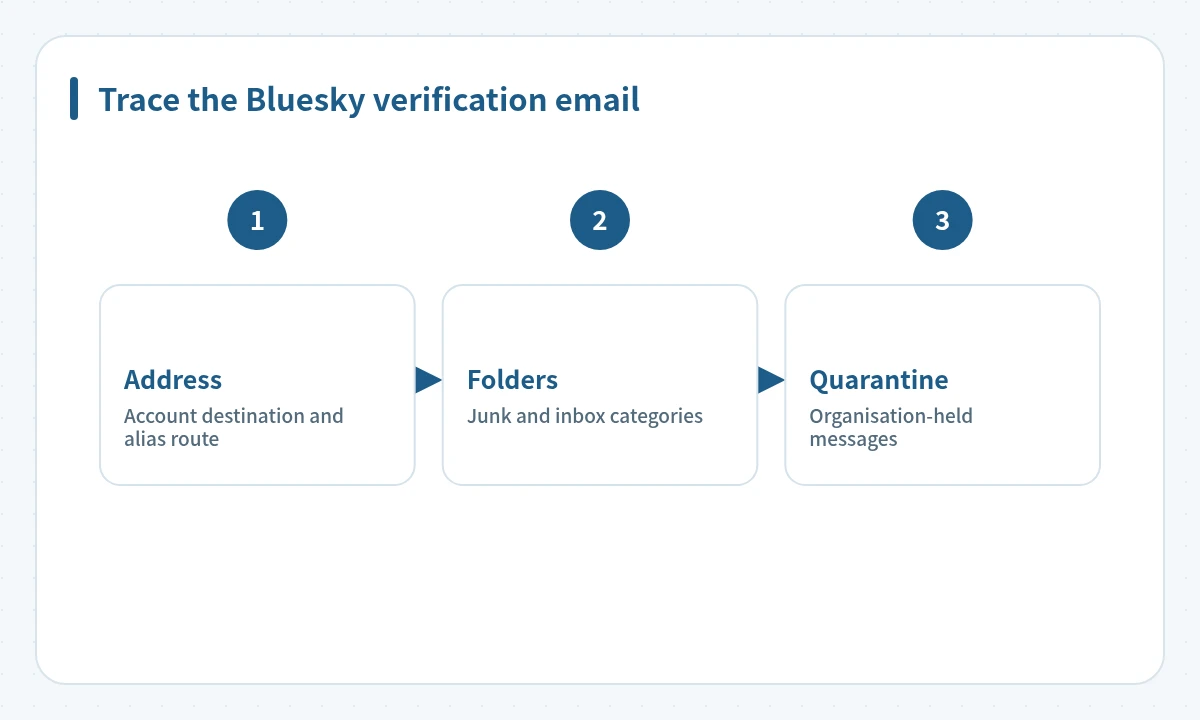
Bluesky's official missing-code guidance recommends checking filtered folders and ensuring noreply@bsky.social is not blocked. Search using the relevant sender and request period. A familiar display name alone should not persuade you to enter information on a page reached through an unexpected message.
Inspect the places where mail can be diverted
| Location | Observation to make |
|---|---|
| Inbox categories | Whether the message was filed elsewhere |
| Filtering rules | Whether a rule moved or rejected it |
| Organisation quarantine | Whether administrators can see a held message |
A company quarantine can be separate from your visible junk folder. Ask an authorised mail administrator to inspect the relevant sender and time, without forwarding the live code into an ordinary support ticket. Do not disable filtering for every sender just to test one service message.
Check changes to aliases and organisational mail routing too. If you recently left a workplace, access to the account address may be the actual missing resource. That is a different problem from a delayed message to a mailbox you can still open.
Keep retries tied to a recognisable request
The official advice includes waiting before requesting another email. Retain one clear sign-in page and note its request time. Alternating between several devices can make late messages difficult to associate with the page you are trying to complete.
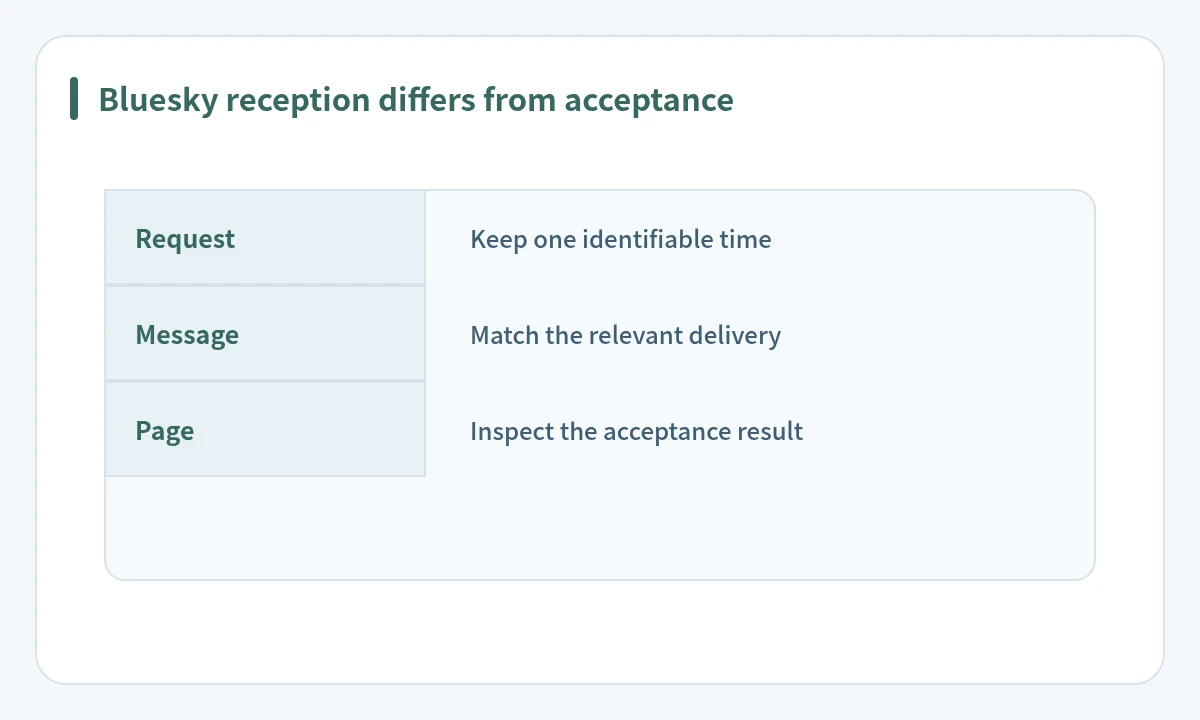
Follow any restriction shown by the service. Once mail arrives, distinguish receipt from acceptance: an error after entry belongs to the current challenge rather than basic inbox delivery. Record its wording with the value hidden instead of publishing the full message.
If access succeeds, there is no need to trigger repeated logins solely to prove that mail delivery works. Check the intended identity and finish the task you originally needed to perform.
Give support enough context without publishing secrets
The official help asks for the account email and user handle when further assistance is needed. Supply necessary details through the confirmed support channel; mask full addresses in public discussions. Include which folders were checked and when the request was made.
If the mailbox itself is inaccessible, describe that as an account-recovery issue. A message reaching a different address does not transfer the original account's second step. Any contact change must follow the account's permitted process, with ownership established through the appropriate official route.
When requesting mail-system help, specify the delivery period and account destination instead of sending a full mailbox export. An administrator can report whether a matching message was held, rejected or delivered. Those observations narrow the issue while leaving unrelated correspondence private.
References
Bluesky: Missing email two-factor authentication codes.
