
BinBin verification codes can be accepted while location, registration information, or later setup still needs attention. The official help places phone confirmation within a longer account-creation process. A received value should not be taken as permission to start any ride in any location immediately.
Inspect the location task when the map is wrong
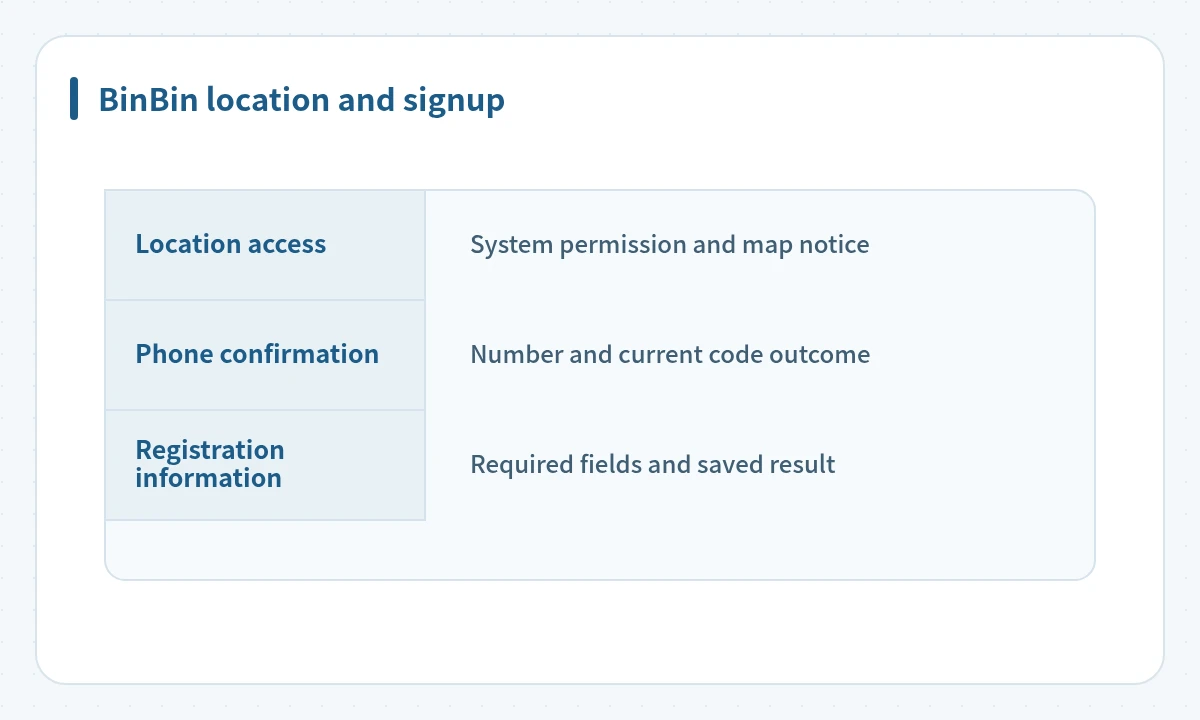
BinBin's signup help starts with location access and number entry before code confirmation and registration details. Location permission and the mobile line's message receipt address different functions. Receiving a text does not establish that the map has permission to obtain a position.
If the map is not showing the expected place, inspect the system permission granted to the app and the active page notice. Repeating the phone request will not grant location access. Do not enter an invented place in an effort to make a particular area appear available.
| Current stage | What to inspect |
|---|---|
| Location access | System permission and map notice |
| Phone confirmation | Number and current code outcome |
| Registration information | Required fields and saved result |
Continue with accurate registration details
The official guide describes further registration information after the phone step. Complete the current form truthfully. Phone confirmation does not demonstrate that identity information was supplied or accepted, and a screenshot from one region should not be applied as a universal document checklist.
After entering details or selecting a file, inspect the page for an explicit saved result, missing fields, or errors. If it returns to an earlier section, check whether the information remains before trying to rebuild the account. The visible result determines what needs to happen next.
If you are uncertain about a requested document, consult the relevant official explanation before submitting. Do not improvise data because a field is mandatory. A form moving to the next screen would not make invented information accurate or resolve a later ownership question.
Separate an account from a particular ride
Entering the account, seeing your map position, and being able to start a selected vehicle are distinct observations. Read the current task and actual local choices. This access guide does not establish age eligibility, available inventory, pricing, or whether a particular journey can begin.
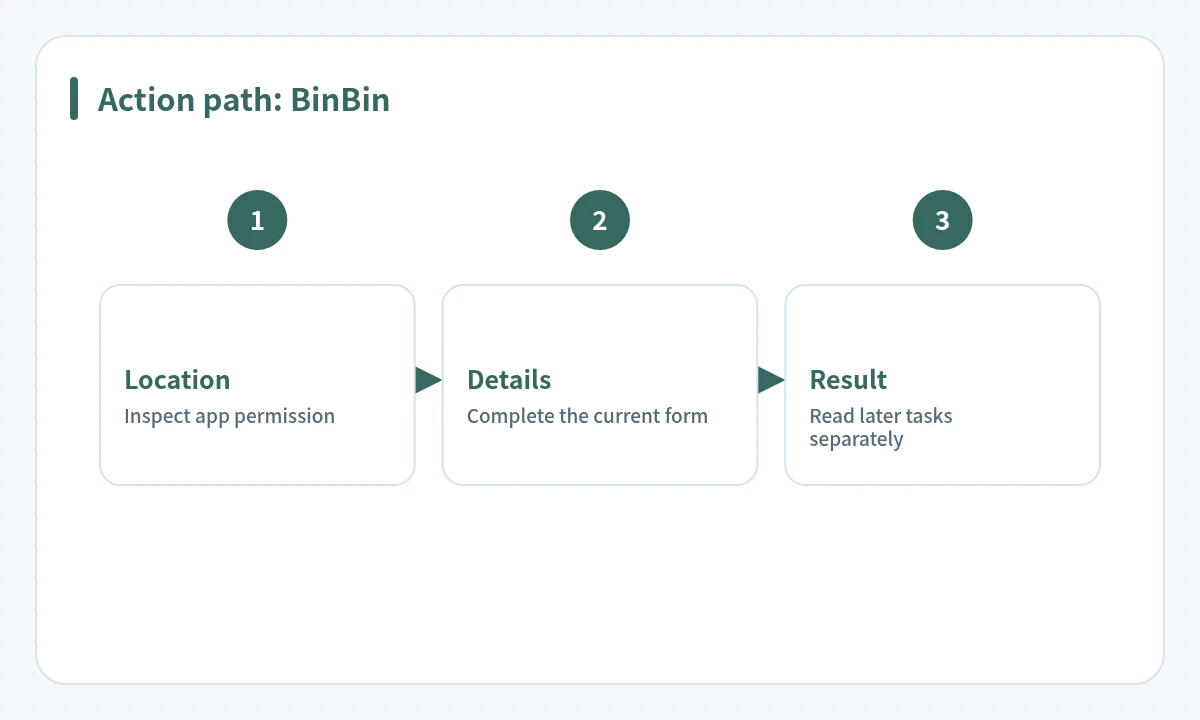
For help, describe the current screen, the error, and the order of events. “Phone accepted, registration field will not save” is more useful than “the code failed.” Hide live values, complete documents, and unrelated private details in screenshots sent for diagnosis.
Preserve the original account while investigating instead of using duplicate registration as an experiment. The goal is to locate an incomplete stage: permission, receipt, form submission, or a later action each has a different result to inspect.
Before changing several settings, record what the screen showed first. If a correction works, check the new state and stop repeating the completed task. That keeps the account record clear and gives support a useful explanation if a separate problem appears afterward.
When comparing the map with your surroundings, check the current position rather than a remembered view from an earlier visit. A previously visible vehicle is not evidence of present availability or permission to begin.
References
BinBin: Official signup and account help
