
Bigo verification codes used during a phone change serve separate old-number and new-number tasks. BIGO's official change-number guide describes confirming the currently bound line before verifying its replacement. A text arriving on the new phone does not automatically satisfy the check of the original association. Read the requested destination before deciding which device or message applies.
Inspect the original resource before changing it
Open the current account-management page and establish whether the old number remains available and the proposed replacement belongs to you. Having two phones nearby does not prove that either holds the line currently registered to the account. Inspect the saved association instead of relying only on memory of the latest SIM.
For example, if the page asks to confirm the original line while only the new inbox is being watched, ordinary texts arriving on the new phone do not advance the task. Read the destination clue first. This distinguishes an unavailable old resource from a delivery problem affecting the proposed replacement.
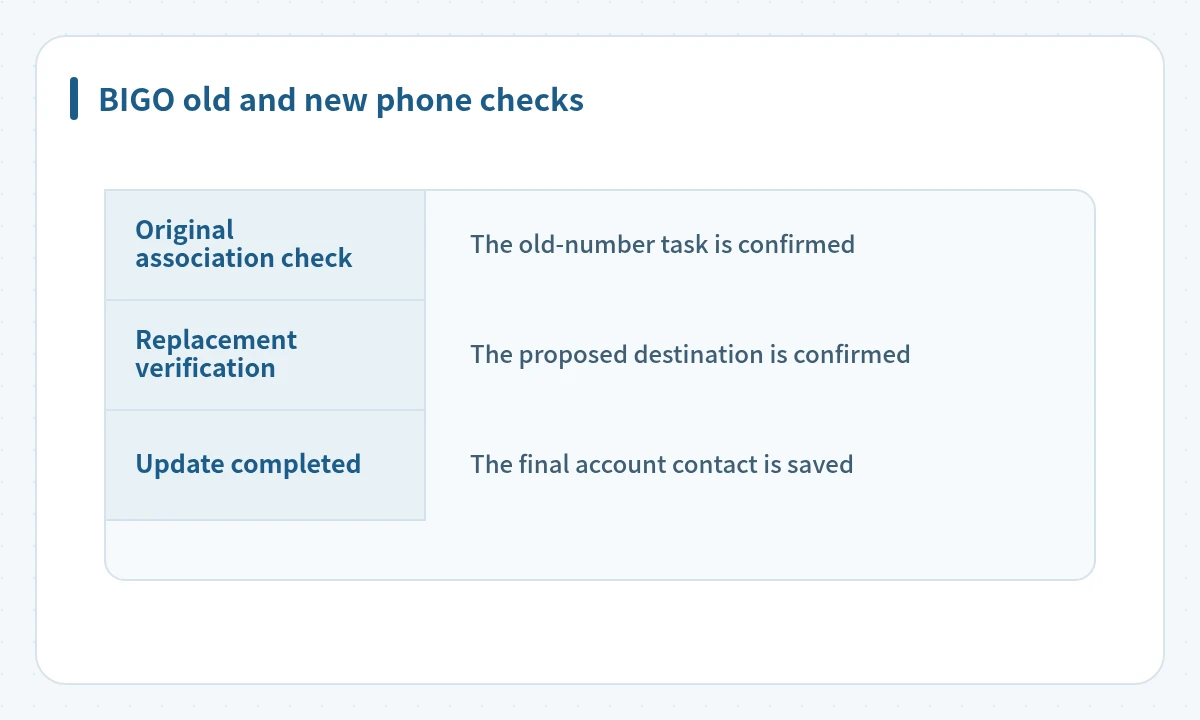
Match each round with its own result
| Stage | Result to establish |
|---|---|
| Original association check | The old-number task is confirmed |
| Replacement verification | The proposed destination is confirmed |
| Update completed | The final account contact is saved |
Do not label both messages as one general BIGO code or decide their purpose only by arrival order. The current page and destination explain what is needed. A delayed earlier notification should not be placed into a later field simply because it is the most recent item in the inbox.
Use recovery help when the old number is unavailable
The official number-change guide says its ordinary self-service route cannot be completed when the old number is no longer used and directs the issue to feedback. Current support information also describes account appeals and assistance where access is unavailable. Follow the actual version's offered entry instead of insisting on a retired menu sequence.
Repeated requests to the new line cannot establish ownership of the original account. Tell official support the BIGO ID, resource availability and precise response. Supply required ownership information only through the appropriate official process; passwords and complete texts do not belong with a private intermediary promising a quick binding change.
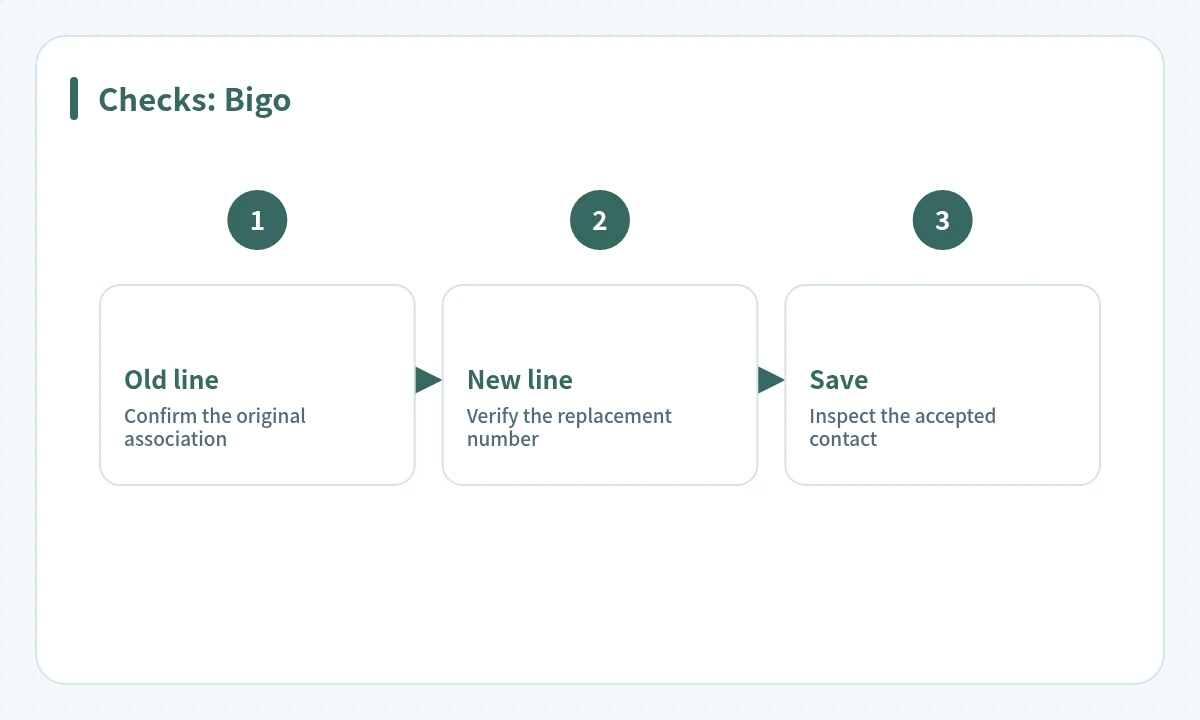
Inspect the accepted contact after the page ends
Return to account information and compare the displayed number with the intended replacement. A new line typed into an editable field is not evidence that the platform accepted the final save. Record the actual result before retiring another usable contact or assuming the update is finished.
If another provider route opens an account, compare the BIGO ID first. Access to a different identity does not complete the original account's contact change. Where several methods are involved, inspect their relationships separately rather than using page availability as proof that they all represent the same account.
A useful support report distinguishes old-number confirmation failure, absent replacement messages and an unchanged contact after submission. Include the time and masked response. These concrete outcomes keep the next conversation at the remaining stage, instead of repeatedly returning to message sending when the real obstacle is an earlier association or a later save.
References
BIGO: old and replacement phone-number checks; BIGO: current account appeal and official support routes.
