
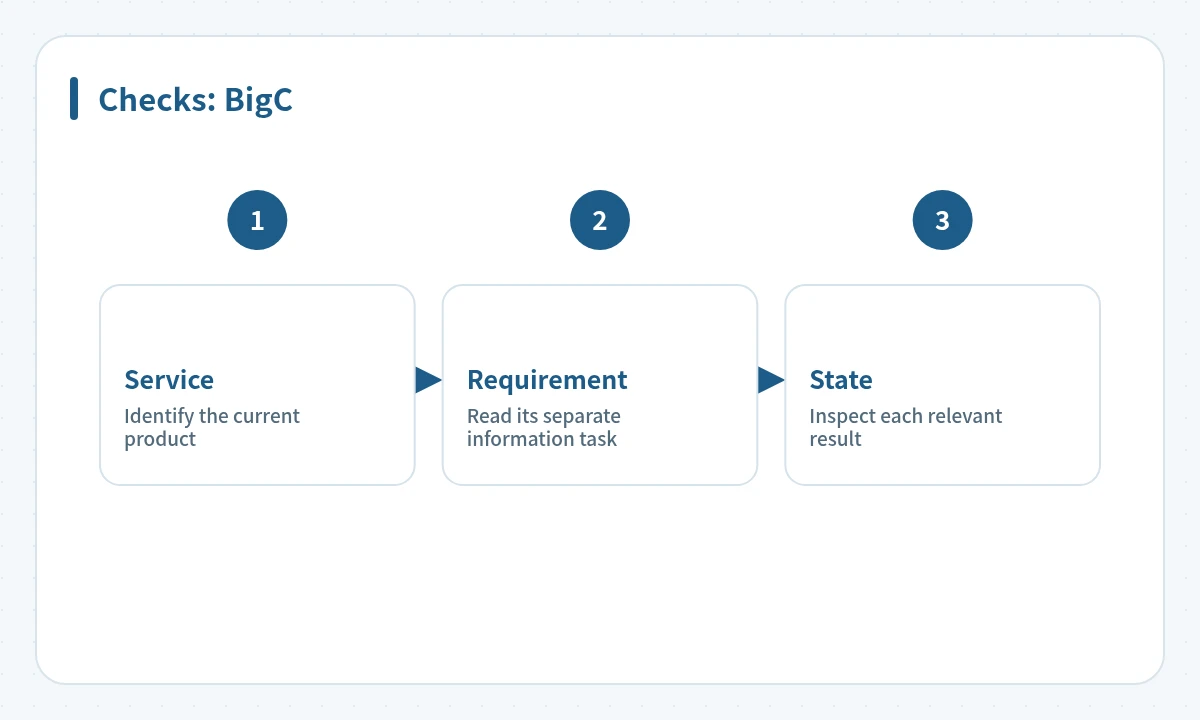
BigC verification codes accepted during Big C Online access do not establish that Big Point or Big Wallet enrollment also finished. Big C's official FAQ describes these services separately and lists different information or identity requirements. Identify which service the active screen concerns before treating one phone confirmation as completion of every account-related task in the app.
Read the service name before the next step
This article follows Big C's Thailand account and app information. An online account's phone-based entry should not be interpreted as evidence that another service has completed its own requirements. Record the page name and requested action, rather than relying only on the fact that the same brand appears throughout the application.
For example, after online access works, the app might ask for information associated with Big Point. That can be another service's task rather than a failed earlier text. Read the new instruction instead of requesting the previous value repeatedly. The point of failure may already have moved beyond delivery.
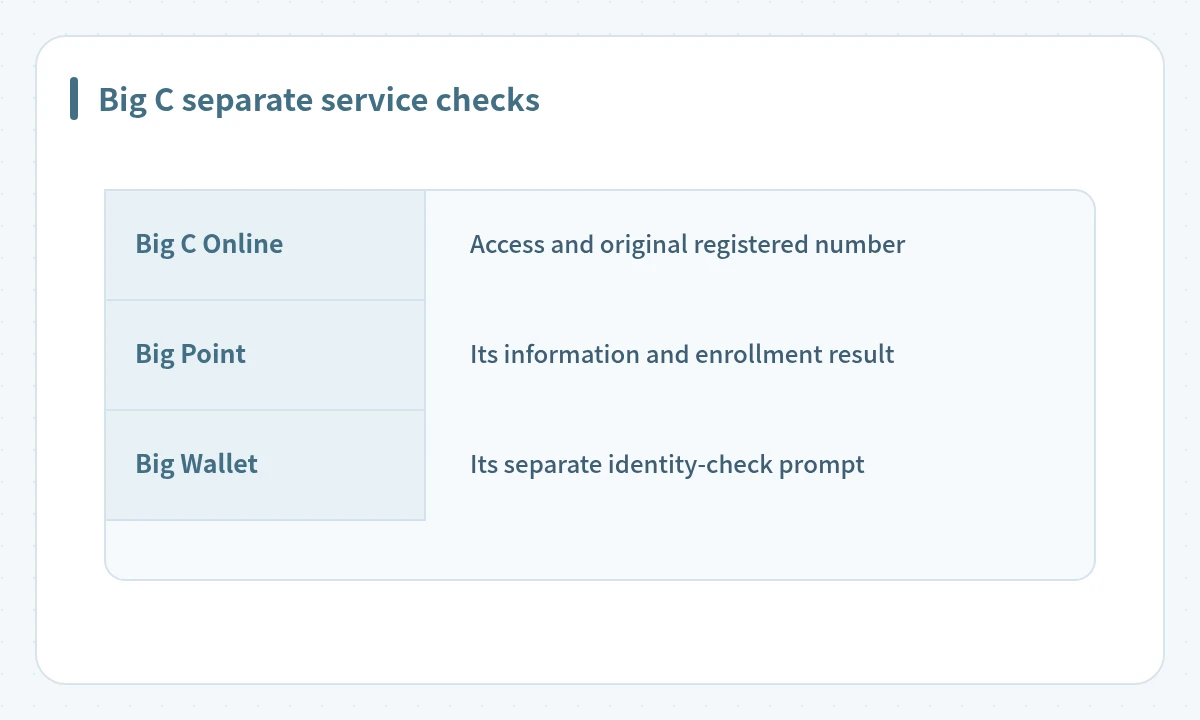
Inspect each service's own state
| Service | State to inspect |
|---|---|
| Big C Online | Access and original registered number |
| Big Point | Its information and enrollment result |
| Big Wallet | Its separate identity-check prompt |
Official help describes additional identity information or e-KYC for certain services. This article provides no way around those requirements and makes no compatibility promise for a newly acquired number. A single message arriving cannot establish eligibility or completion of a different service's enrollment.
Recover a password through the original number
The FAQ describes using the forgotten-password route with the number registered for membership, followed by an OTP and new password. If that number has changed, identify the old relationship and supported maintenance route. A fresh registration on another line does not automatically restore records associated with the original identity.
For incorrect values or request limits, follow the actual page's waiting and retry instructions. Official help describes security restrictions on repeated requests. Rapidly pressing the same control does not identify which service is blocked and can make it harder to associate the remaining messages with a coherent attempt.
Separate contact changes from additional information requests
Different official Big C help pages can concern different products or interface periods. Use the current service for menu and maintenance instructions. If the number cannot be changed through self-service, contact the relevant official channel with the original membership context and visible response rather than forcing a button sequence from another interface.
Submit identity documentation only within the official process that actually requires it. Ordinary troubleshooting screenshots should not contain full documents, passwords or complete OTP messages. A masked page, time and stage can usually explain the obstacle without exposing those resources to a private intermediary.
Finally, inspect the online identity and the particular points or wallet service needed. Account entry is not proof that every separate identity check is complete. A short record of each relevant result prevents the next visit from treating an unfinished service enrollment as another unexplained failure of SMS reception.
References
Big C: online, point and wallet account FAQ; Big C: related app registration and contact-information help.
