
BestBuy verification codes appearing again on the same computer do not necessarily mean the trust setting malfunctioned. Best Buy's two-step help ties trusted access to a device and browser, and explains that deleting cookies or making browser changes can prevent recognition. The hardware can remain unchanged while the relevant login environment changes. Inspect that environment before diagnosing message delivery.
Recall what changed in the browser
Check whether website data was cleared or another browser or profile was used. This discussion concerns the BestBuy.com account rather than assuming another market's website has identical settings. Compare the actual browser context with the one in which the trust choice was originally made.
For example, someone could trust a personal computer one day and clear its cookies before returning the next day. A renewed challenge then has a plausible recognition-related explanation. Saying it is still the same computer does not establish that the browser retains the information used by the earlier session.
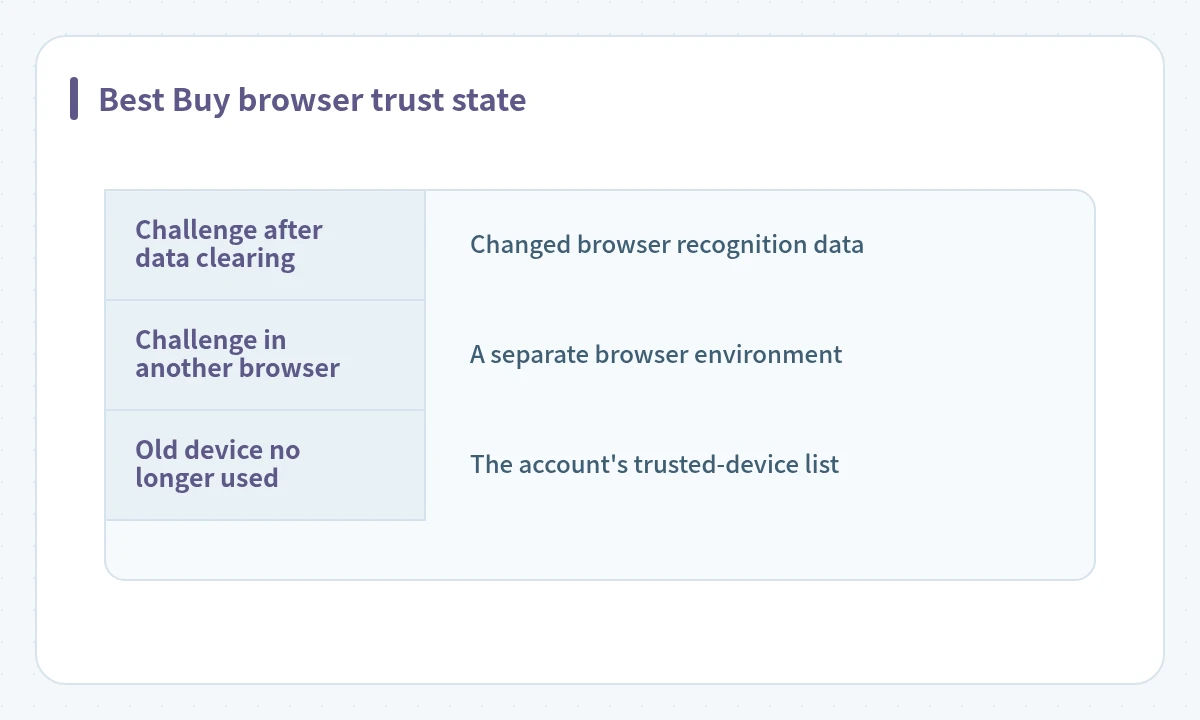
Relate the symptom to the relevant setting
| Symptom | First inspection |
|---|---|
| Challenge after data clearing | Changed browser recognition data |
| Challenge in another browser | A separate browser environment |
| Old device no longer used | The account's trusted-device list |
An additional challenge establishes that this attempt requires confirmation. It does not alone prove compromise or a system fault. Consider whether the request was initiated personally and whether other account observations support a different concern before assigning a cause.
Use the resource configured for the current account
Official help describes text or authenticator-based security values and backup recovery arrangements. Follow the method actually configured and requested. Another device's screenshot is not evidence of your own setting. If using a backup, establish the account and resource state rather than assuming any old saved value remains suitable.
Where every recovery resource is unavailable, obtain help through the official website. Do not disable protection merely to avoid an expected challenge. An unsolicited request for a live value should not be treated as a routine step, even if the person describes the problem using familiar account-security language.
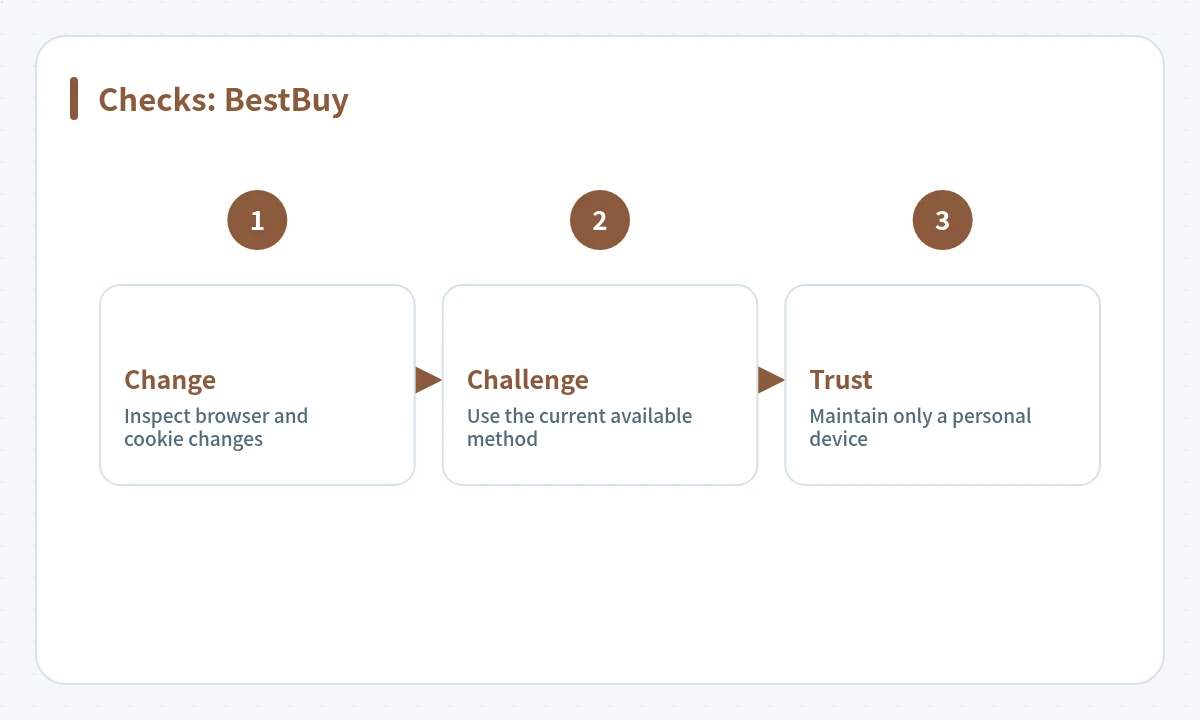
Decide whether this browser should be trusted again
Consider trust only for an environment you control and can protect. A public or shared computer may be used regularly without being suitable for retained account access. Frequency of use does not establish that other people cannot inherit the browser session or its saved information.
For transferred or inaccessible devices, inspect the available trusted-device management. Removing a particular trust relationship differs from turning off two-step protection entirely. Read the setting's effect before proceeding, so an effort to retire one device does not become an unintended broader account change.
After confirmation, inspect the original account and relevant records. If recognition behaves unexpectedly on every return, record browser data-clearing settings, version and exact response for official support. A concise account of those conditions is more useful than repeatedly requesting texts without examining why the environment is seen as different. Keep the result tied to that browser rather than promising every future sign-in will behave identically.
References
Best Buy: two-step verification, browser trust and recovery.
