
Bazos verification codes used on the Czech site can confirm a computer while a phone browser still asks for its own check. The official help describes device verification stored in cookies. Do not interpret one browser's completed result as permanent confirmation of every device you might use later.
Compare the browser environments
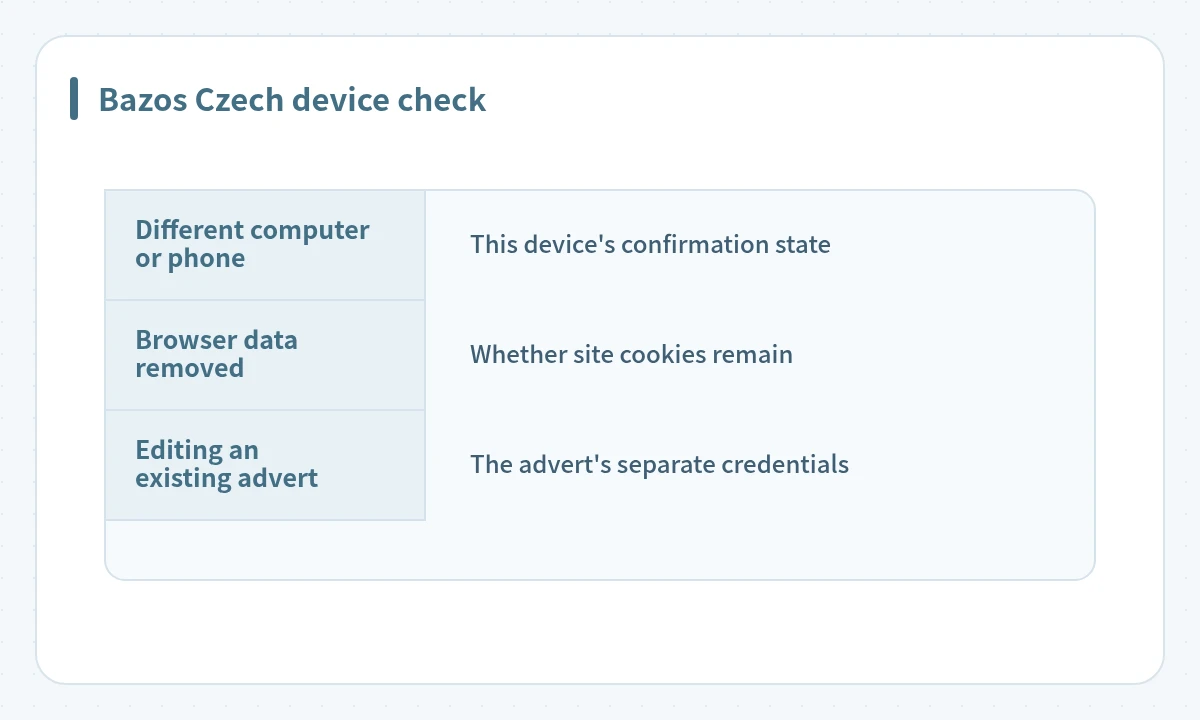
A desktop browser, a mobile browser, and a private window can have different storage contexts. If you changed device or cleared site data, inspect that environment before deciding the earlier text failed. A device check and a particular advert's management password also serve different purposes.
For example, a computer may already open the relevant function while a phone visiting for the first time displays a number prompt. Address the phone's active official task rather than copying a previously used value from the computer and trying it elsewhere.
| Change observed | First check |
|---|---|
| Different computer or phone | This device's confirmation state |
| Browser data removed | Whether site cookies remain |
| Editing an existing advert | The advert's separate credentials |
Continue according to the actual action
Bazos Czech help places several actions beyond browsing within its verification requirements and describes further protective steps. A successful text does not establish that every publishing or contact action is complete. It also does not prove that the content of an advert has been accepted.
When another requirement appears, read its name and official explanation before acting. Do not label every additional screen a cookie fault. A person in an item chat should not receive your code on the claim that they can remove the page's restriction for you.
If you are trying to manage an older advert, locate that record and its own access method. Establish whether the failure concerns device confirmation or the advert operation. The distinction helps explain why repeating a phone step may leave the original editing problem unchanged.
Consider storage deliberately on shared devices
A confirmation stored in a browser does not make a public computer suitable for retaining personal access information. Consider what another person using the device could see. Do not leave unnecessary private records simply to avoid another check on a future visit.
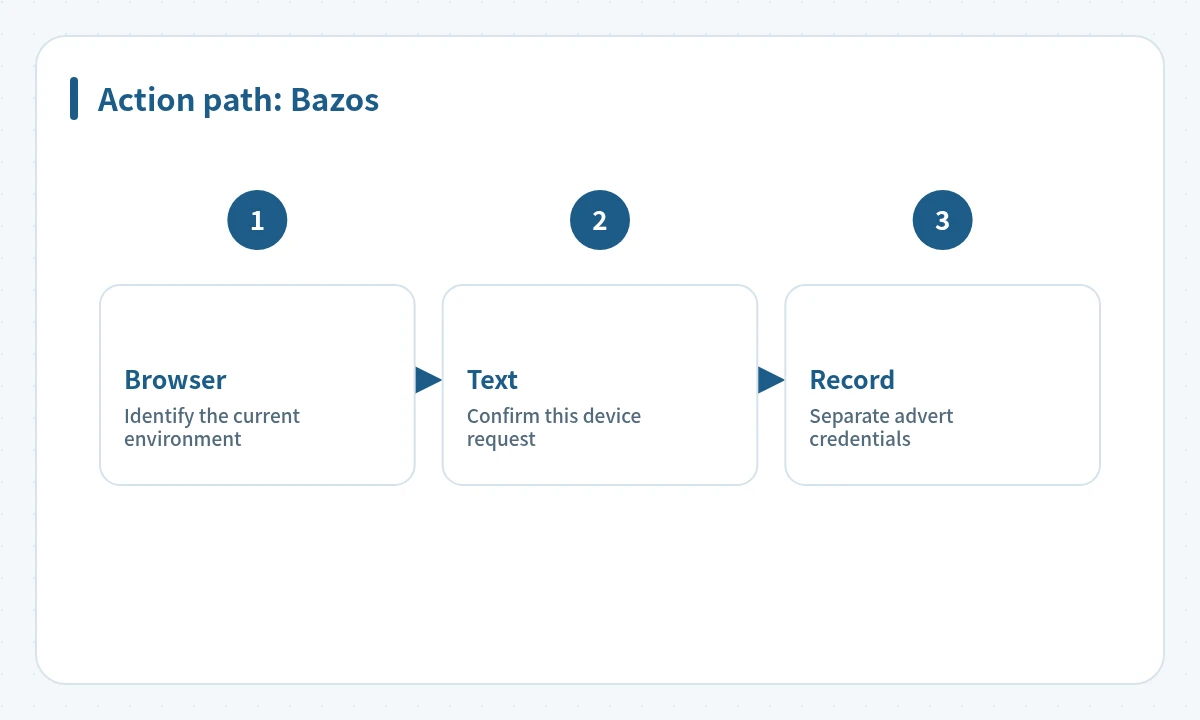
For troubleshooting, inspect the relevant site's cookie permissions and browsing mode rather than clearing all browser data without a purpose. If cleaning removed the earlier state, follow the current official process. Guessing values or reusing an old message does not restore the missing browser context.
Tell support that you are using the Czech site, identify device and browser, state whether site data was cleared, and name the action that triggered the prompt. Redact full numbers and codes. Device state, advert credentials, and publication status should remain separate observations.
After the current check is accepted, inspect the function you actually wanted to use. A phone message arriving demonstrates receipt, while the resulting page shows whether that device task progressed. Neither observation should be stretched into a claim about unrelated adverts or another browser's stored state.
References
Bazos Czech: Device verification, cookies, and advert management
