
Repeated requests for Badi verification codes should stop when the page displays a restriction. Official help describes temporary blocking after multiple attempts. Preserve the notice, pause further requests, and inspect the number and original account instead of adding another failed operation to the sequence.
Check the destination you were trying to verify
Compare the country selection, digits, and line currently used by your phone. A mistaken number makes repeated requests repeat the same targeting error. If the number was associated with an earlier account, investigate that identity rather than creating another registration to test it.
Your own earlier emails and account notices can help identify the original access route. A number displayed publicly on a property listing is not necessarily the sign-in identifier. When you control several lines, establish which one actually belongs to this account.
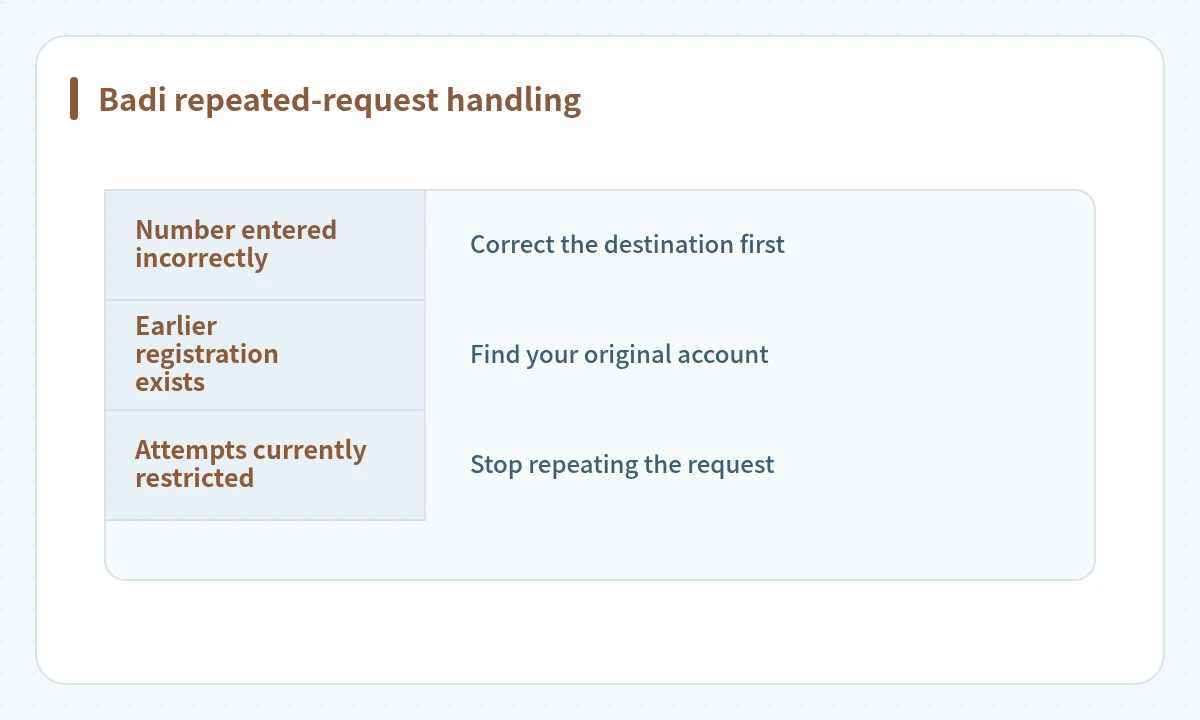
| Clue found | Appropriate action |
|---|---|
| Number entered incorrectly | Correct the destination first |
| Earlier registration exists | Find your original account |
| Attempts currently restricted | Stop repeating the request |
A restriction is different from an absent message
Badi's published guide says four or more attempts lead to a twenty-four-hour wait. Follow the current page if it gives a specific instruction. Do not turn this into advice that endless resending will eventually succeed or assume that a browser change proves a restriction has disappeared.
If the current notice differs from the guide, keep its wording and ask official help. Using more email identities, somebody else's line, or a stranger's account service would introduce additional ownership questions without explaining the original limit.
Do not judge the state only by whether a new text arrives during the pause. A delayed message and a page allowing another attempt are distinct observations. The instruction shown on your active task is the relevant basis for deciding whether to continue.
Use the pause to organize useful details
Note the approximate request time, device, app or website entry, and whether no message ever appeared or a received value was rejected. Count only actions you actually took. Public descriptions do not need a complete collection of the private values involved.
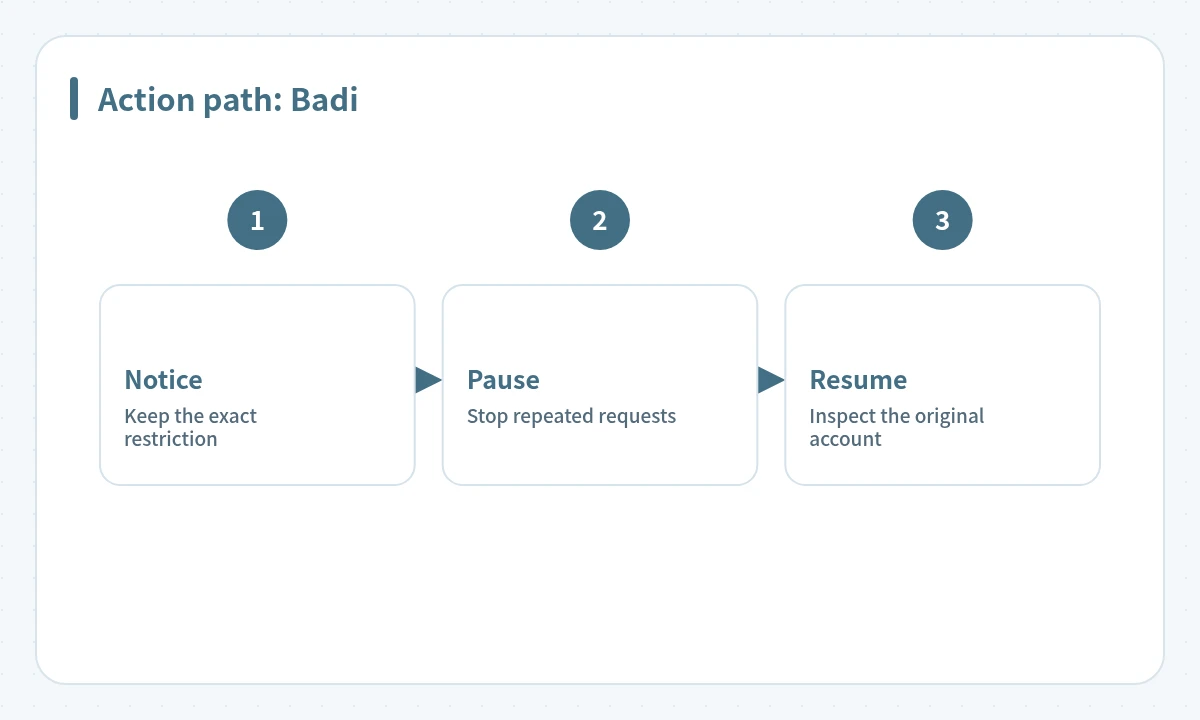
When another attempt is permitted, start from the original account's official entry, inspect the destination, and follow one clear request. If the issue persists, provide a redacted prompt and the requested account reference through official support, rather than sending access values in a property conversation.
After entry, inspect your original details, listings, or expected conversations. Restoring access is not a conclusion about the truth of a property advert or the outcome of a rental. This article concerns requests and restrictions, not a transaction guarantee.
Keep any remaining question specific to its stage. If the original account opens but a listing is absent, report the missing record rather than continuing to describe the solved phone issue. That keeps support focused on the outcome you can actually observe now.
If another person also uses the device, establish whether they made any requests before reporting your own timeline. Keep separate accounts separate; a shared handset does not establish that both attempts concerned the same identity.
References
Badi: Phone verification and repeated-attempt restrictions
