
Backbone verification codes encountered during Apple or Google sign-in should be traced to the stage that actually fails. The identity provider and the return into the Backbone app are different parts of the process. A controller connecting to a phone does not establish that the app account is signed in. Record the account result separately from the hardware connection.
Identify the screen where progress stops
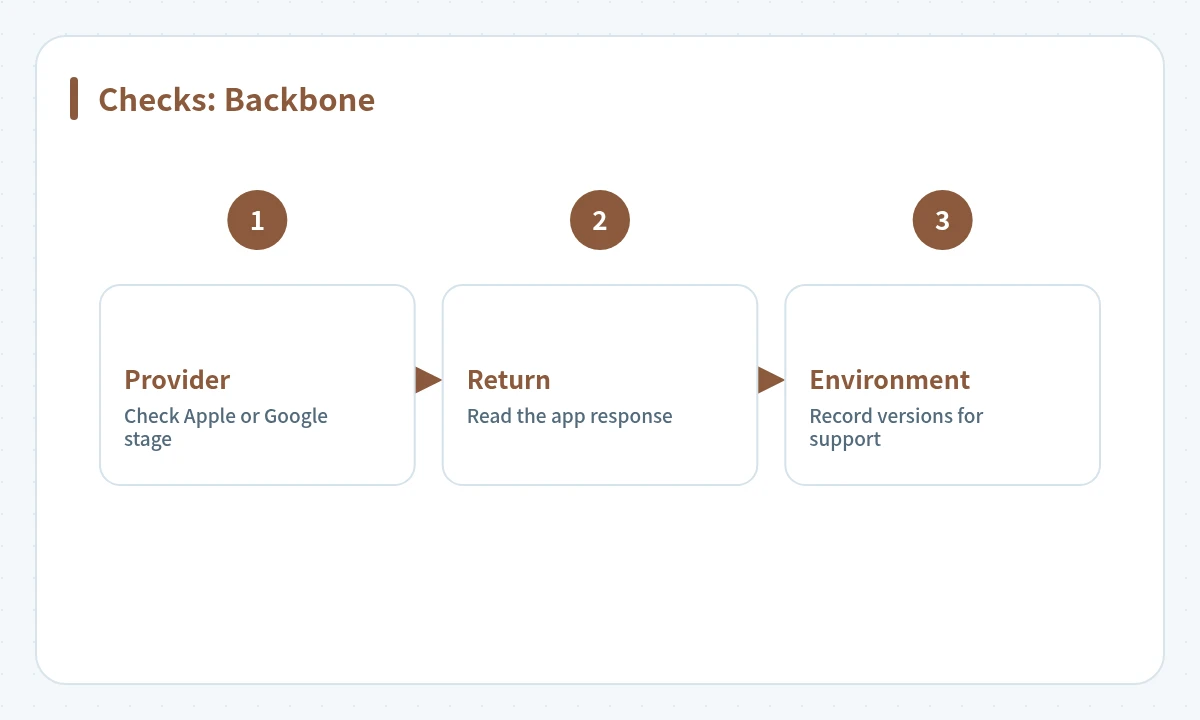
Start a legitimate sign-in through the official Backbone app and observe whether the failure occurs before redirection, inside Apple or Google, or after returning to the app. A return to the starting screen does not alone prove that an SMS failed to arrive. First establish what the page requested and what response followed.
For example, a provider confirmation might finish while the app returns to its login page. Record the chosen entry, app version and any visible error. If no screen requested a text message, do not assume Backbone must have sent an additional SMS simply because another app's guide includes that step.
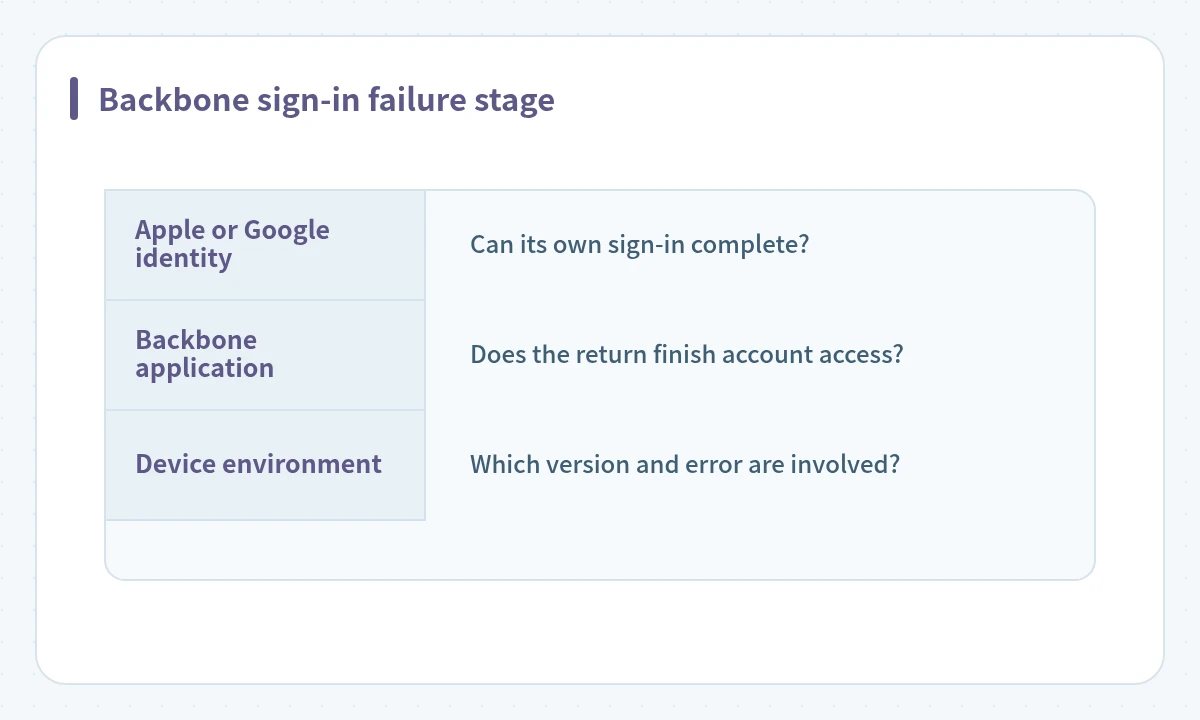
Separate the objects being investigated
| Object | Observation to make |
|---|---|
| Apple or Google identity | Can its own sign-in complete? |
| Backbone application | Does the return finish account access? |
| Device environment | Which version and error are involved? |
Follow the provider's official instructions for its password or challenge. Keep the resulting app response available for a separate report. Sharing a provider's credentials with an unofficial login assistant does not help establish which stage failed and creates an unnecessary account-access exposure.
Make environment checks interpretable
Backbone's official troubleshooting includes checking account status, updating the operating system and app, and reviewing restrictions that could interfere with access. Inspect the items relevant to the symptom instead of changing several account and device conditions simultaneously. A clear before-and-after observation is more useful than a list of unrelated changes.
If one environment works and another does not, record the difference. Avoid immediately signing out of every usable session while the original account's recovery resources are still uncertain. Preserve useful identity information first. This keeps the investigation reversible and helps distinguish an app environment problem from loss of the underlying provider account.
Know the original entry before reinstalling
The official article also lists reinstallation among general troubleshooting options. Before doing that, establish how the original identity was accessed. Reinstalling cannot automatically restore an inaccessible Apple or Google account, and it is not a guarantee that every service-side account condition will disappear.
When seeking Backbone support, provide the operating system, app version, login route, failure stage and a masked screenshot. Do not include a setup key or complete recovery link. A reproducible sequence and the actual response are the useful evidence. State whether the hardware connection itself works so that another issue does not obscure the account investigation.
After recovery, inspect the app identity and the content or account state you intended to use. If a controller issue remains, investigate it through the appropriate hardware help. Keep the outcomes separate: account access restored, hardware connection working or still faulty, and any remaining error described under its own task rather than as another missing verification message.
References
Backbone: Apple and Google app-login troubleshooting.
