
Axs.com verification codes for account login and ticket transfer do not necessarily use the same channel. The AXS US guide describes email and other options for existing-account entry while separately requiring SMS for ticket transfers. A previous successful login does not establish that a later ticket operation has met its requirements.
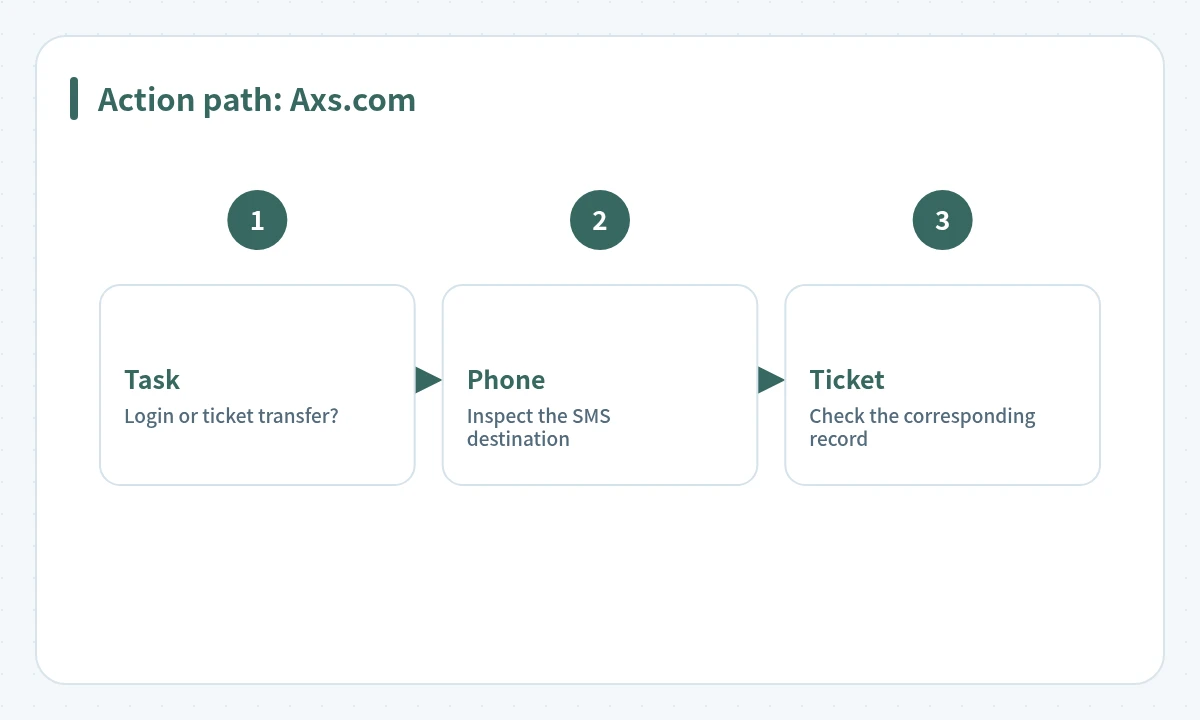
Identify whether the task is access or transfer
The official guide lists text, voice, or email for existing-account login and a distinct SMS condition for transferring tickets. A phone task encountered after entry should be read in that operational context, rather than automatically described as a failed repeat login.
Check that you are working on the right event and tickets in the original account. The sign-in identity and expected records need to match. Entering some account does not demonstrate that the tickets you intend to manage are present there.
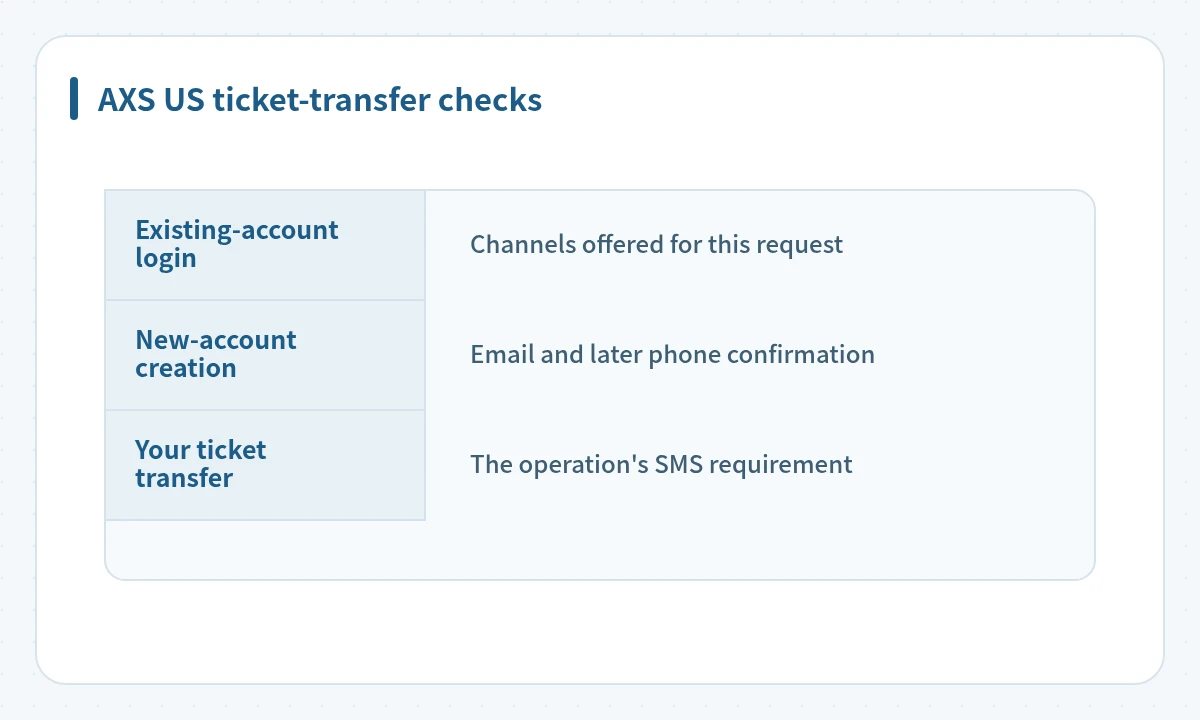
| Current action | What to inspect |
|---|---|
| Existing-account login | Channels offered for this request |
| New-account creation | Email and later phone confirmation |
| Your ticket transfer | The operation's SMS requirement |
Check the phone destination before diagnosing receipt
Inspect whether the target is a number you currently control, especially after changing lines or using several SIMs. A mailbox working successfully does not establish equivalent mobile reception. Those are separate resources and deserve separate observations.
AXS describes short-lived, single-use values. Read the current page and request sequence instead of copying old messages among several windows. If submission fails, preserve the wording and follow the next action offered rather than guessing another number.
If the destination is unexpected, pause before continuing the ticket action. Changing a recipient or starting another account would introduce a different question from correcting your own receiving resource. Establish the account details and use the relevant official help first.
Confirm the ticket outcome after the value is accepted
Submitting a value and completing a transfer are separate results. Return to the ticket record and inspect the intended object and status. A received text is not evidence that ownership or delivery has already changed, so do not announce completion solely on that basis.
For a missing resource or unclear notice, contact AXS through its official help route. Identify the country, current action, whether the phone is usable, and failure stage. Redact live values, ticket contents, and complete contact details in public screenshots.
This discussion follows the US help article rather than treating every venue or country as identical. Separate login, account confirmation, and transfer state to locate the actual issue: receipt, the wrong identity, or an unfinished ticket task.
Before making another attempt, inspect the existing record so that you know whether the original operation remains pending. That prevents a second action from being used as a blind test and gives support a clear reference if the displayed outcome differs from what you intended.
Keep a private note of the event and action you intended, without saving a live code. If the screen changes unexpectedly, this helps distinguish a pending transfer from an ordinary account-entry request without exposing ticket information publicly.
References
AXS US: Multi-factor authentication and ticket-transfer SMS
