
Autotrader verification codes used on the UK site should be distinguished from seller identity verification. Autotrader UK describes account-security checks separately from its document and selfie process. Completing one does not automatically complete the other. Neither should be interpreted as a guarantee about every vehicle, advertisement or transaction associated with an account.
Confirm the country site and task
This discussion concerns autotrader.co.uk. Do not combine instructions from another country's similarly named vehicle platform with this account process. Read the address, identity and requested operation before deciding whether the page concerns sign-in or a seller's separate identity check. That scope helps identify the relevant support route.
For example, a person might receive a login message, enter the account and then see a request to continue identity verification. The useful next observation is that new requirement. Requesting another login value will not explain which documentation task remains unfinished or whether the seller status has changed.
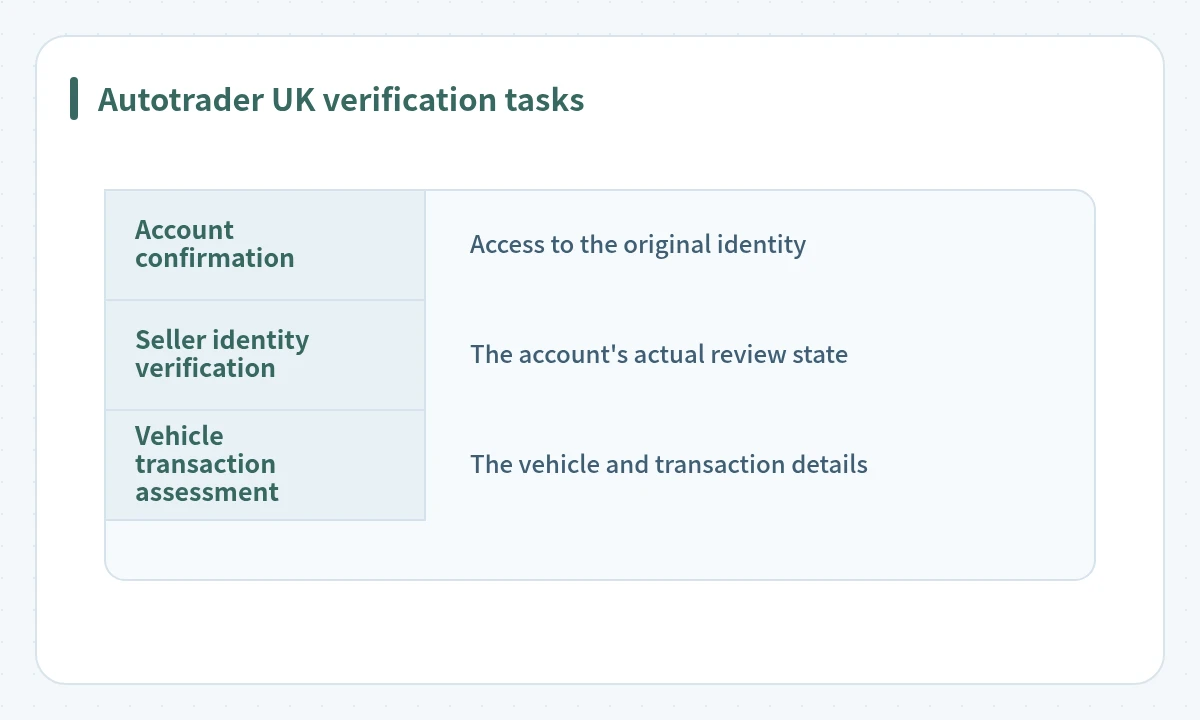
Keep the scope of each result clear
| Task | Result to inspect |
|---|---|
| Account confirmation | Access to the original identity |
| Seller identity verification | The account's actual review state |
| Vehicle transaction assessment | The vehicle and transaction details |
An identity status is not evidence that every payment instruction or vehicle description should be trusted. It answers a defined verification question. Keep an assessment of the actual transaction separate instead of allowing the word verified to stand in for checks it does not establish.
Enter the identity process through the account
Official help describes document and selfie steps on a phone or computer, including an option to transfer the process from a computer by QR code. Confirm that the QR comes from your own active account flow. A verification image forwarded by an unknown person is not equivalent to a request initiated on your own screen.
When camera access is requested, inspect the site and task before granting it. If the device cannot complete the step, consult the officially offered alternatives or support. Do not send identity documents, selfies or account challenges to a private intermediary claiming they can complete the process for you.
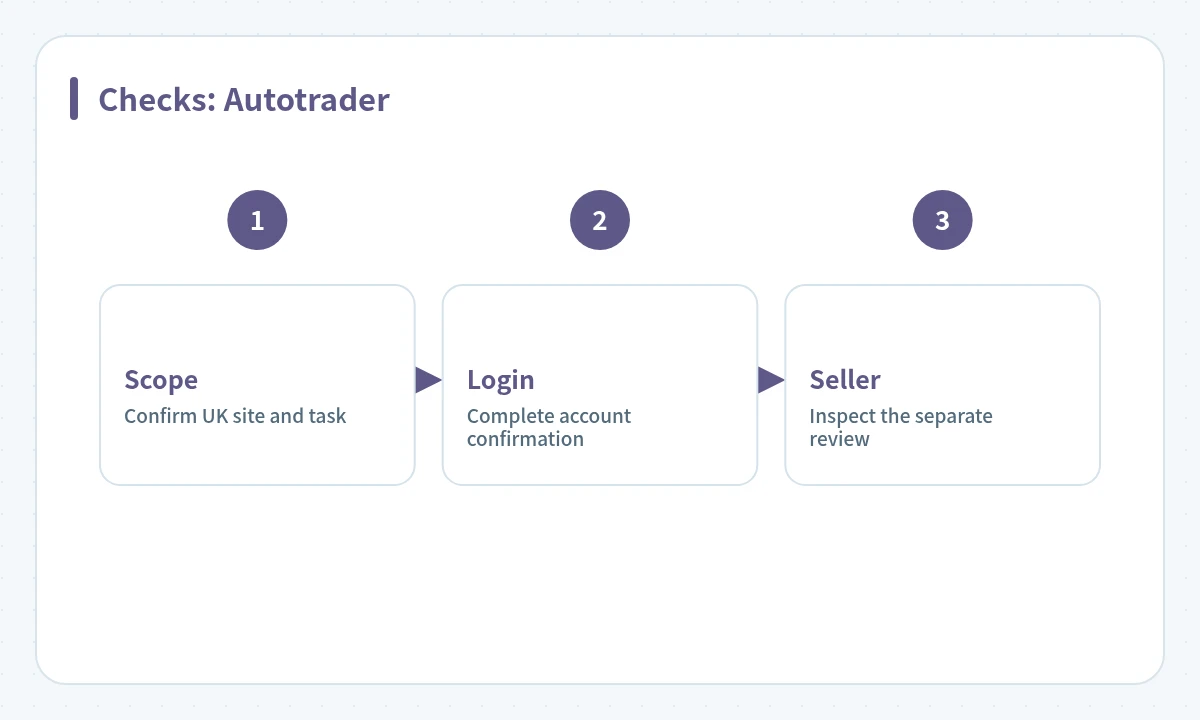
Return to the original account to inspect the outcome
After submission, look for the actual verification state rather than assuming the task ended because the camera window closed. If another action is required, preserve the response and contact UK support with the stage that failed. Hide complete verification links and personal documents in ordinary screenshots.
If account access works but the seller check does not, changing the login number repeatedly may not address the problem. Conversely, completing document verification does not replace a blocked sign-in task. Naming them separately gives support a clear question and prevents repeated actions at the wrong stage.
Finish by checking the original identity, relevant advertisement and displayed status. Then investigate any later vehicle or transaction question on its own evidence. A private note can record which step completed and which response remains without preserving a live authentication value. That is enough to continue a support discussion while keeping account access and transaction judgment distinct.
References
Autotrader UK: account and login-verification information; Autotrader UK: identity-verification help.
