
AustraliaPost verification codes can concern a MyPost account or a particular Parcel Locker collection. A verified mobile number does not make an account challenge interchangeable with a parcel access code. Likewise, signing in successfully does not establish that the item currently displayed is the parcel you intended to collect. Identify the record before choosing a message.
Find the parcel before searching for its access information
This article concerns Australia Post's MyPost and Parcel Locker services. Open the official account or AusPost app, identify the relevant parcel and inspect its collection information. Do not select an arbitrary number from several delivery messages merely because it arrived most recently or carries a familiar-looking sender name.
For example, the phone might contain an account confirmation and a collection notification for a different item. Match the intended parcel and task rather than treating either message as a general-purpose code. A correct-looking value used for the wrong record cannot establish whether the intended collection route works.
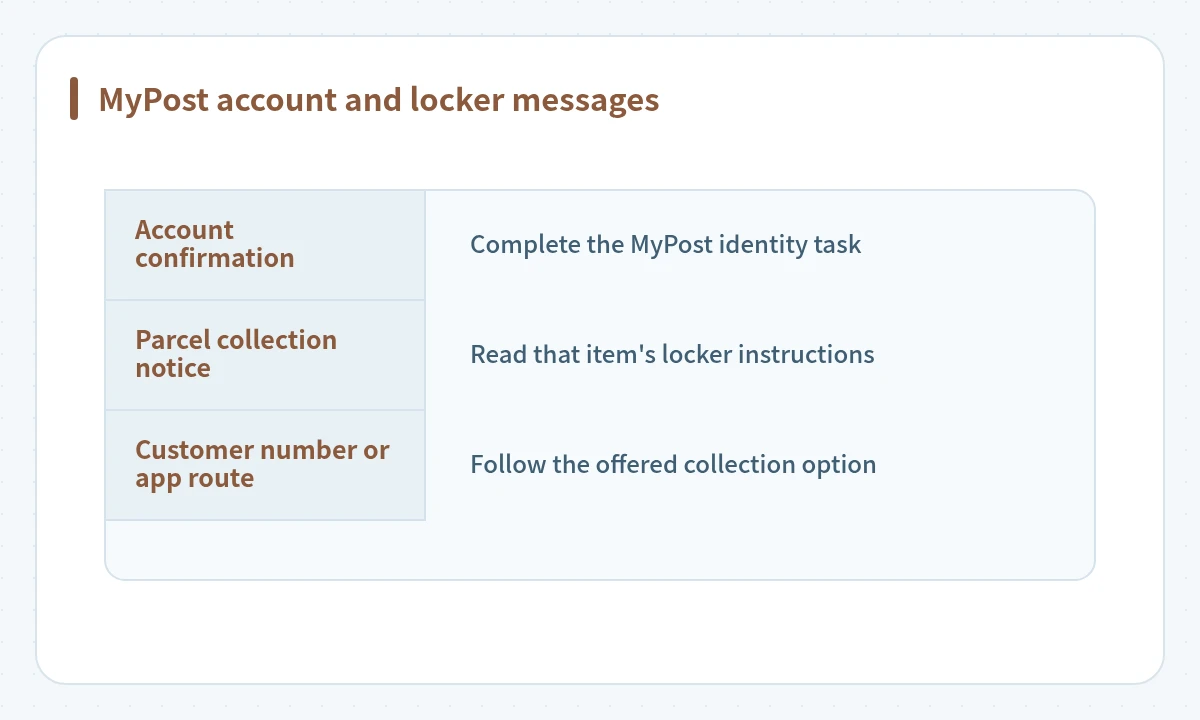
Match information with its actual purpose
| Information | Associated purpose |
|---|---|
| Account confirmation | Complete the MyPost identity task |
| Parcel collection notice | Read that item's locker instructions |
| Customer number or app route | Follow the offered collection option |
Official help describes app access, collection information in messages and account customer-number options. Follow what applies to the current item and service. A screenshot from another device or an older tutorial does not establish that every option must be available in the same form at the locker being used.
Investigate missing collection information before resetting the account
Inspect the parcel's relevant email or SMS and the official app's offered access options. If the account itself opens normally, changing its password does not identify which notification belongs to this item. Narrow the investigation to the parcel rather than creating another account-recovery task without evidence of an access failure.
A changed phone number or multiple identities can complicate the relationship. MyPost help discourages maintaining multiple personal accounts. Confirm the original identity and contact details, and use official assistance where the relationship is unclear. Creating more profiles as experiments may produce access without resolving the existing parcel association.
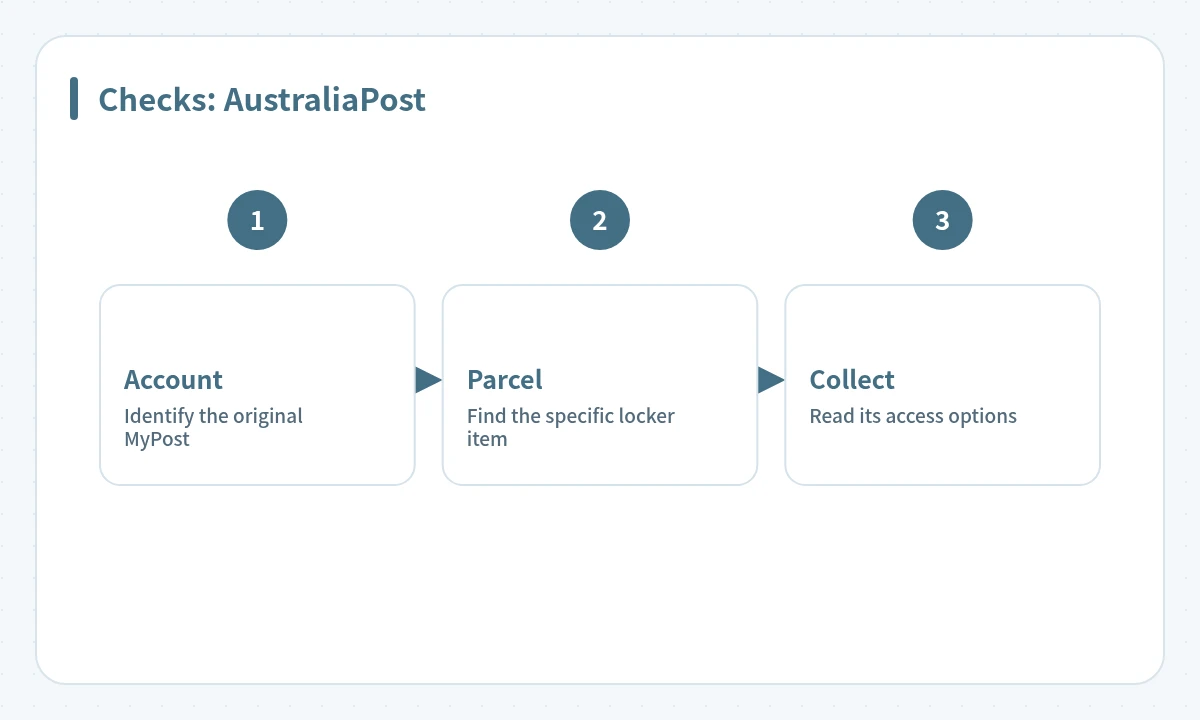
Verify uncertain notifications independently
Australia Post's security help recommends checking deliveries through its official app or support route. If a message asks for passwords, payment information or forwarded codes, return independently to the parcel record before acting. A claim in a message is not evidence that a collection problem needs that action.
If access remains blocked, report the parcel context, locker state and exact response. Keep collection-access resources and full personal details out of public screenshots. Relevant record clues are sufficient to describe the problem without exposing a code someone else could use.
Finally, inspect the actual parcel state rather than only confirming that account sign-in worked. Account maintenance, delivery notification and collection access are separate outcomes. Naming which one succeeded and which remains blocked gives a later support conversation a practical starting point without preserving live authentication material.
References
Australia Post: MyPost and Parcel Locker help; Australia Post: delivery-notification security checks.
