
ArtStation verification codes arriving on a phone establish delivery of that particular message, not completion of the entire registration process. Check the page after submission. ArtStation's official anti-spam help describes registration protection that includes a second factor and backend checks. A delivered text and a usable account are therefore different results to verify before starting another request.
Identify registration or access to an existing account
Start from ArtStation's official entry and read the task being performed. Someone with an existing portfolio or account history should first identify that identity. Treating an access problem as a reason to register again can produce an empty replacement account while leaving the original issue unresolved. Registration and an established account's additional sign-in check need their own context.
For example, a registration text may arrive successfully, followed by another message on the website after its code is submitted. At that point the useful observation is the new response. Reopening the phone inbox to demonstrate delivery does not explain what the following page requires.
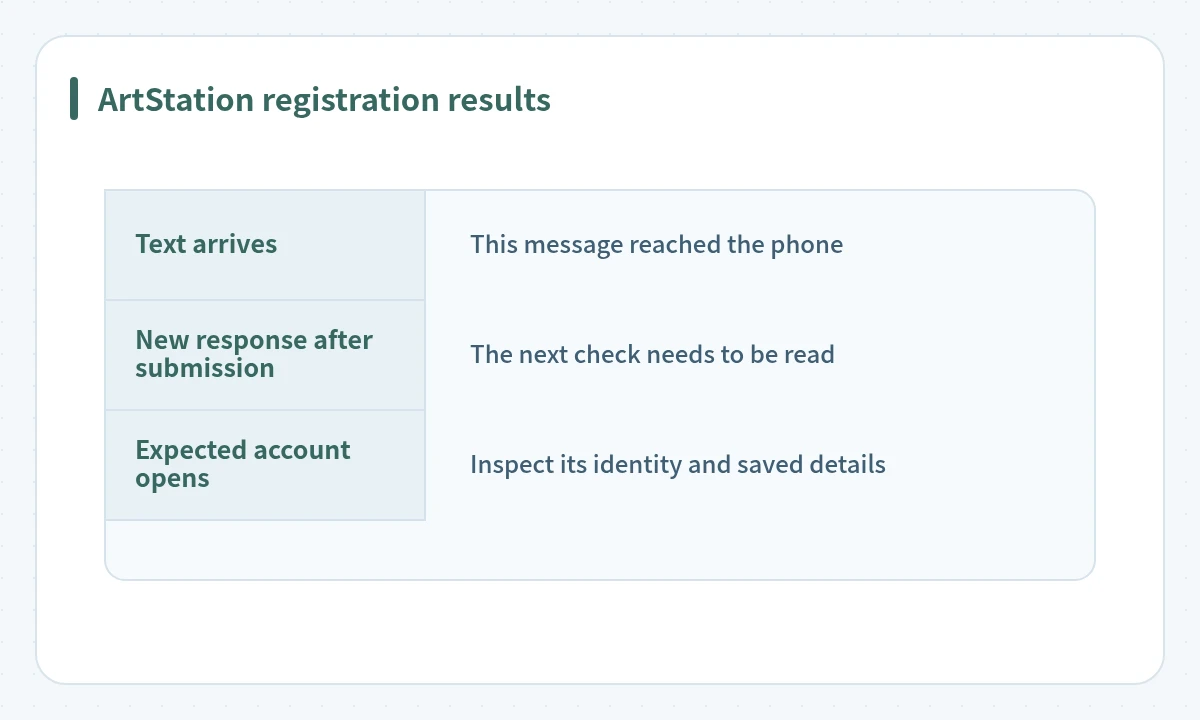
Record what each result actually establishes
| Observed result | What it establishes |
|---|---|
| Text arrives | This message reached the phone |
| New response after submission | The next check needs to be read |
| Expected account opens | Inspect its identity and saved details |
The official anti-spam article emphasizes real-device checks and measures against registration through receive-SMS websites. Do not promise that a shared receiving service or a particular virtual line will work based on another platform's behavior. Message delivery alone cannot establish that every registration requirement has been satisfied.
Preserve evidence of the stage that fails
Record the request time, entry point, device context and exact response before and after submission. Hide the actual value and full contact details in screenshots. These observations are more informative than cycling through numbers and eventually reporting only that verification did not work. They keep the investigation attached to one understandable attempt.
Do not repeatedly change identity details to probe an unexplained check. If the response concerns account state or another requirement, consult the relevant official help. A working SMS channel does not rule out a separate restriction, and another user's successful registration is not a substitute for reading your own result.
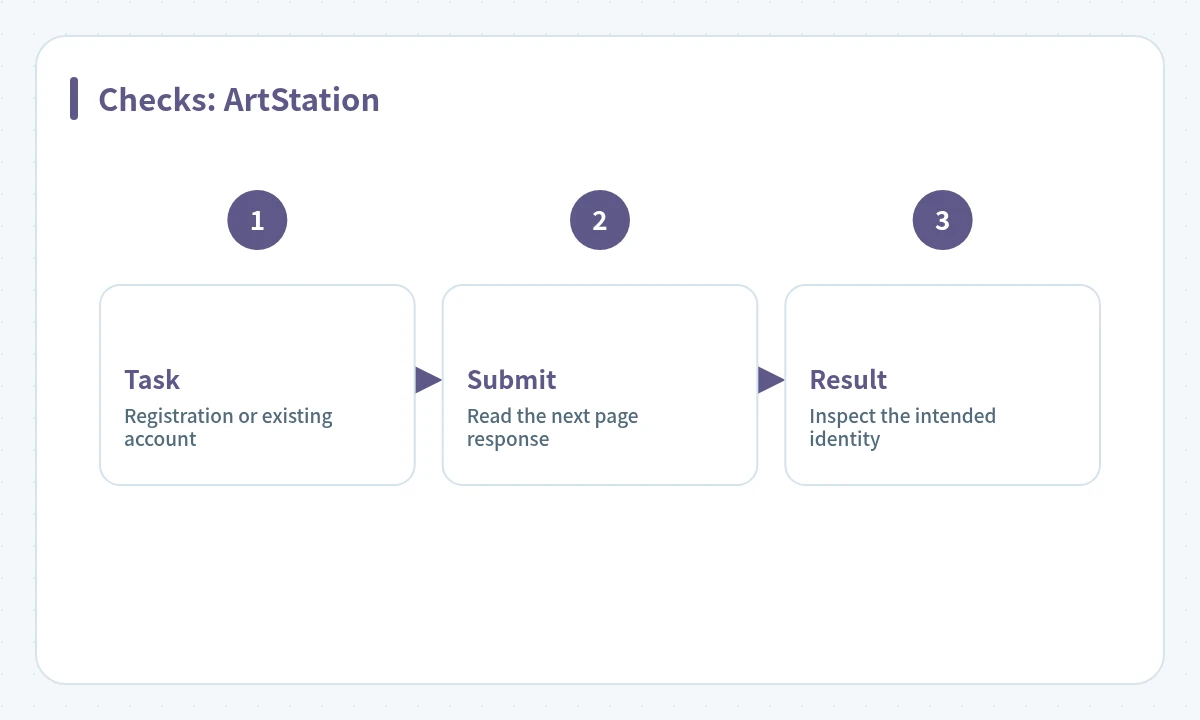
Verify the identity rather than just the page opening
A new user should inspect the expected profile and saved information. An existing user should compare the original portfolio or other relevant records. An empty account opening successfully is not evidence that the original identity has been recovered. Name the actual result before making further changes.
If the process remains blocked, tell official support that the text arrived and describe what happened after submission. Do not automatically characterize that as a carrier delay. A message for a request you did not initiate should neither be entered nor forwarded to someone claiming they need it.
Finally, review any long-term account protection through the current official interface. A registration message does not establish that every later sign-in safeguard has been configured. Keep that maintenance task separate from the immediate question of whether this registration or account-access attempt finished correctly.
References
ArtStation: anti-spam and registration protection; ArtStation: introduction to two-factor account protection.
