
Apple verification codes can arrive through a trusted device or a trusted phone number. These are different routes. A sign-in notification on an existing iPhone does not mean that the same phone must also receive a text before the new device can continue.
Check the trusted-device route first
Apple explains that signing in on a new device or browser can require a code displayed on a trusted device, or one obtained through a text or phone call. Read what the current page asks you to do, then check devices already signed in to your own Apple Account. Do not limit the search to the new phone's message inbox.
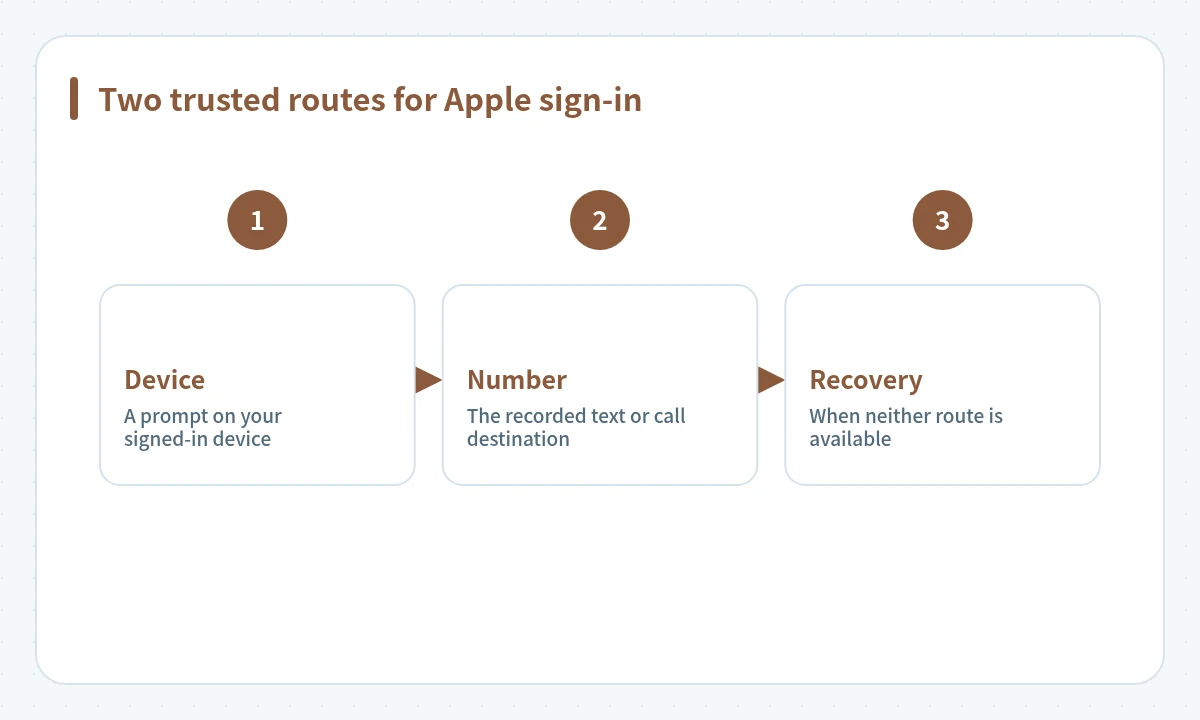
When a device displays a sign-in request, compare it with the action you initiated. Apple notes that the displayed location may be estimated from the network's IP address rather than the device's precise physical position. That explains a possible location discrepancy; it does not justify approving a request whose account, timing or purpose you do not recognise.
A missing device does not always mean lost account access
If a trusted device is unavailable, look for the official page's option to obtain a code another way and inspect the trusted number it offers. A number already recorded for the account is different from an arbitrary phone that happens to receive SMS. Follow the choices available for your account rather than trying to substitute a public inbox.
Moving a SIM into a new phone also needs a practical check. Confirm which line is active, particularly on a dual-SIM device, and whether the displayed destination is that line. Replacing hardware and replacing a number are separate changes. Notifications arriving on the other SIM do not establish that the intended line is ready.
Locate the remaining access before starting recovery
| You can still access | First object to inspect |
|---|---|
| A trusted device | The device request and corresponding account |
| A trusted number | The official text or call option |
| Neither route | The account recovery instructions shown |
Apple provides an account recovery process when the trusted routes are no longer available, but it is not a promise of immediate access. Follow the account's own instructions and timing. Someone outside that process cannot reliably offer to generate a code or shorten recovery in exchange for payment.
Plan the old phone's retirement after the new login
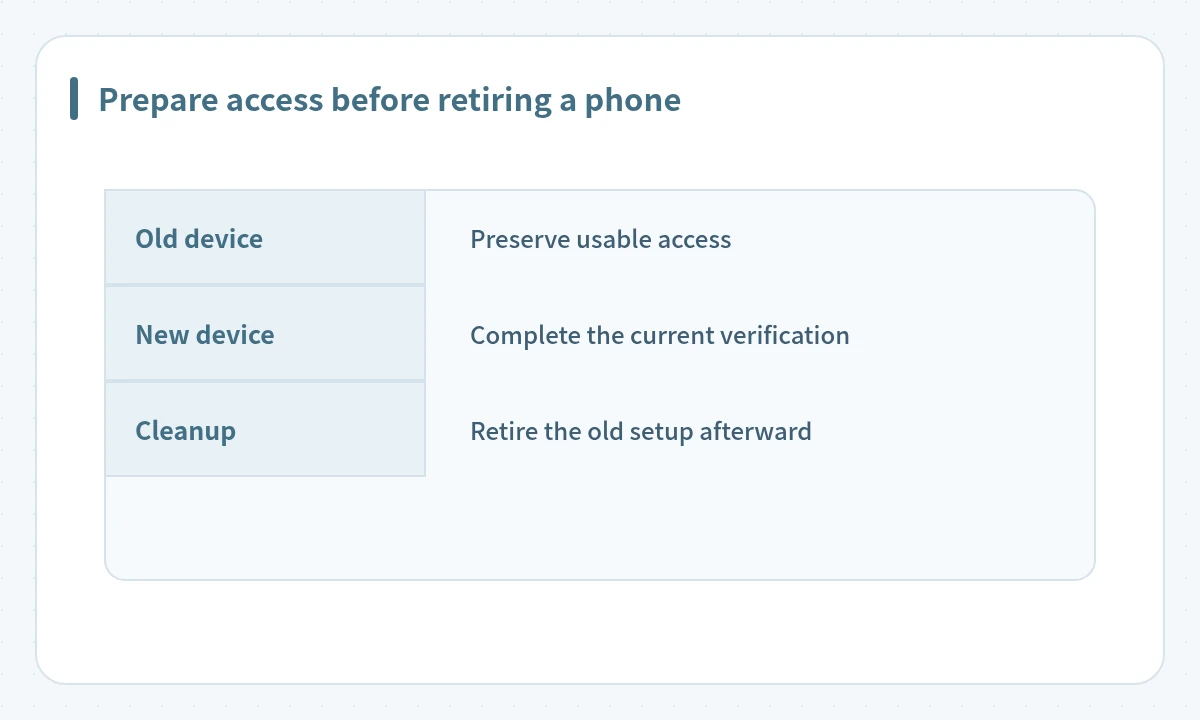
While the old device still works, review the trusted numbers and whether you actually control them. Any additional trusted number should fit your security arrangements and be usable by the intended person. Complete the supported new-device sign-in before erasing the old phone, so that a stale destination does not become apparent only after the remaining working device is gone.
If you need help, describe the device change, the selected route, the masked destination and the exact error. Keep the actual code, account password and device passcode out of public screenshots or ordinary support discussions. Those secrets are not required to explain which stage is failing.
The useful outcome is a clear account of what remains accessible: a trusted device, a trusted number or the recovery process. That gives each next action a purpose and avoids treating every interruption as a generic SMS failure.
References
Apple: Get a verification code and sign in with two-factor authentication.
