
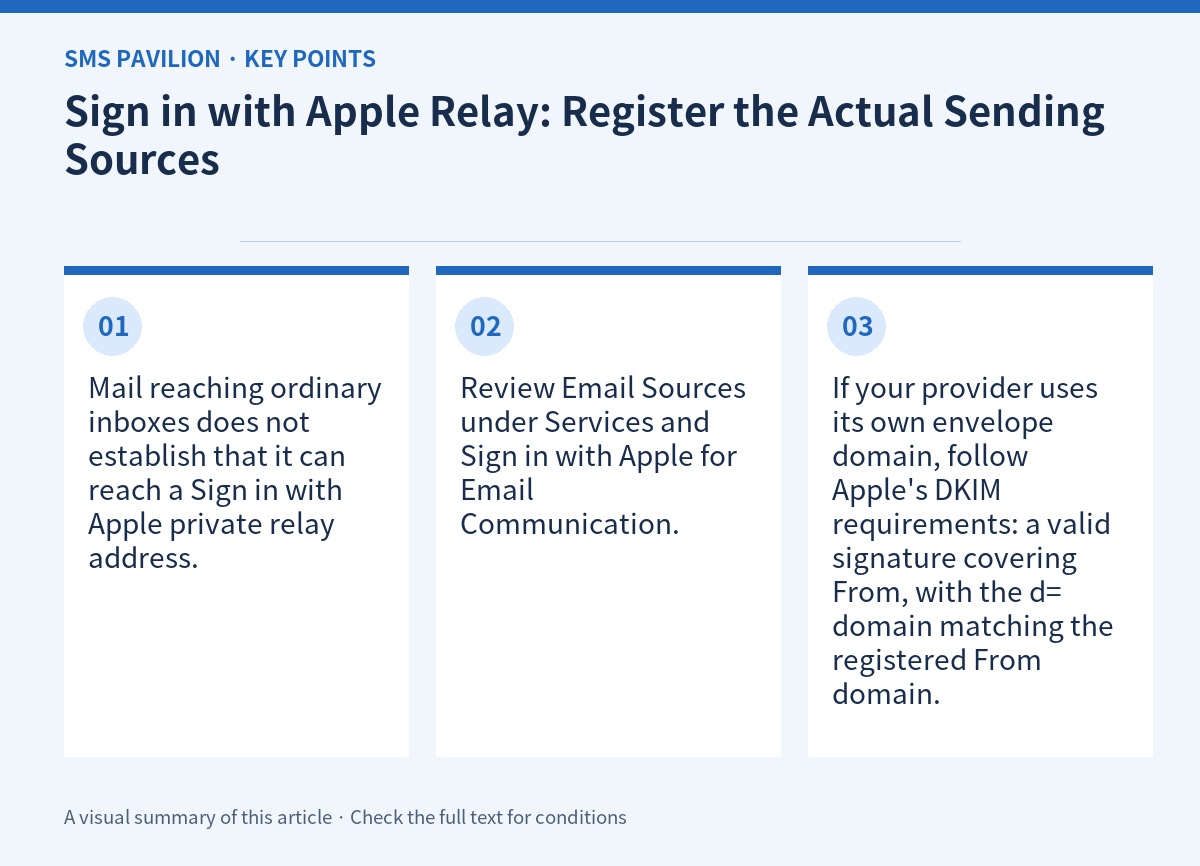
Mail reaching ordinary inboxes does not establish that it can reach a Sign in with Apple private relay address. Developers must register the actual sending sources and satisfy Apple's relay authentication requirements. A parent-domain entry does not automatically cover every subdomain.
Identify the real sending domain
Review Email Sources under Services and Sign in with Apple for Email Communication. With SPF, the registered domain must exactly match the envelope sender, also called MAIL FROM or Return-Path, and pass validation.
Check DKIM with an external provider
If your provider uses its own envelope domain, follow Apple's DKIM requirements: a valid signature covering From, with the d= domain matching the registered From domain.
Use bounce details and headers to distinguish missing registration from failed authentication. Fix the sending configuration before asking users to abandon their private addresses.
References: Sign in with Apple Relay: Register the Actual Sending Sources — official documentation.
