
Aparat verification codes after email activation may concern a channel phone requirement rather than another copy of signup. The official registration guide distinguishes email activation from mobile registration and mentions phone details before uploading or streaming from an email-created account. Account creation and channel readiness are separate outcomes.
Identify the registration route you selected
The guide describes an email activation link and a different mobile-confirmation action. For email signup, continue through that request's link. For phone signup, inspect the associated number. An email already confirmed is not a reason to wait for digits belonging to a different route.
Where several mailboxes are stored in a browser, check the original identity before continuing. Similar channel names do not establish identical accounts. Creating a fresh identity and then searching for the previous channel can make an upload issue appear more complicated.
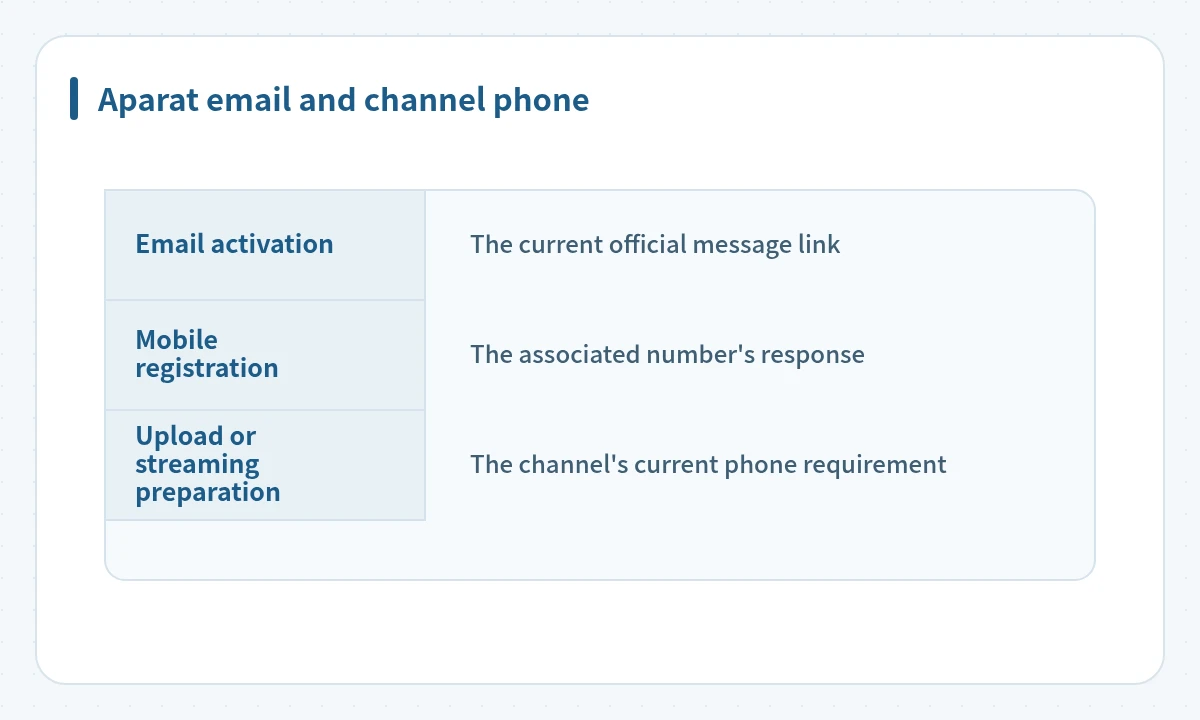
| Current task | Resource to inspect |
|---|---|
| Email activation | The current official message link |
| Mobile registration | The associated number's response |
| Upload or streaming preparation | The channel's current phone requirement |
Address the requested detail without rebuilding signup
If email activation succeeded but channel use requests phone information, inspect the corresponding setting. Deleting the account to choose mobile signup is not evidence that the original channel content will migrate. Work with the identity you actually intend to retain.
Read the destination and save action before requesting. After entry, inspect the result. A phone field containing digits is not necessarily a completed confirmation, just as a selected video file is not necessarily a successful upload. The page needs to show what happened.
If the current requirement differs from an older guide image, preserve the prompt and consult the matching help. Do not invent missing fields or assume a tutorial from another account must define every option you see now. The useful question is which requirement is actually outstanding.
Phone acceptance does not publish a video
Upload, processing, content review, and final display are later tasks. If the phone step passed and a video remains processing, inspect that video's record and relevant help instead of requesting more account codes in an effort to speed it up.
Tell support the registration route, current channel identity, missing outcome, and error. Hide codes, full email addresses, and unrelated information in screenshots. Do not forward a complete login email to a private contact offering to finish the upload for you.
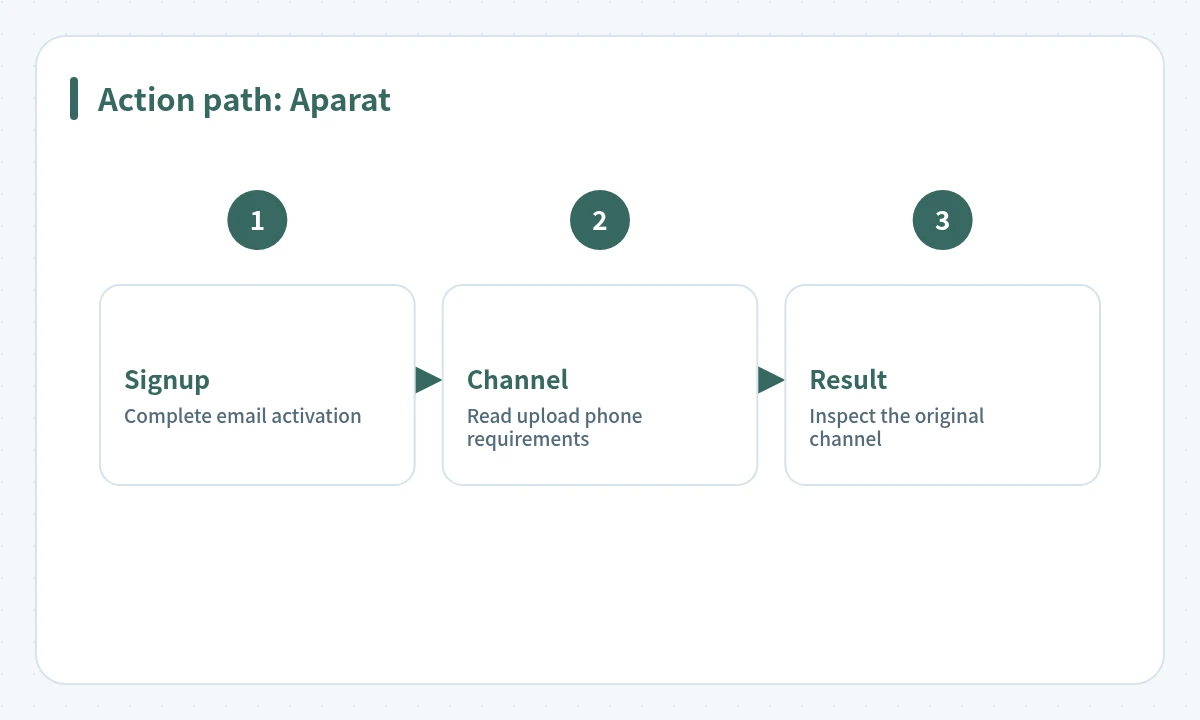
After assistance, inspect the original channel and actual content state. This discussion follows the official signup guide without inventing a universal current menu or feature promise. Email, phone, and video records should each be checked where their result appears.
If an upload record exists despite a returned page, keep its identifier before repeating the file submission. That makes it easier to explain whether the remaining issue concerns account information or a video task that already began separately.
On a device used by several creators, inspect the channel identifier before selecting a video. A familiar thumbnail in local storage does not establish which account currently owns the upload page or where the new submission will appear.
References
Aparat: Official registration, email activation, and channel-phone guide
