
Amazon verification codes should be matched to the shopping account and action you are completing. A shopping login, another Amazon product and an order notification can all involve security-related messages. Similar branding does not make their codes interchangeable.
Start with the store and account you intended to open
Enter through an official address you have independently confirmed. Check the store, account identity and action on the page before supplying any credential. A message displaying the Amazon name is not sufficient reason to follow an unfamiliar link and enter a password.
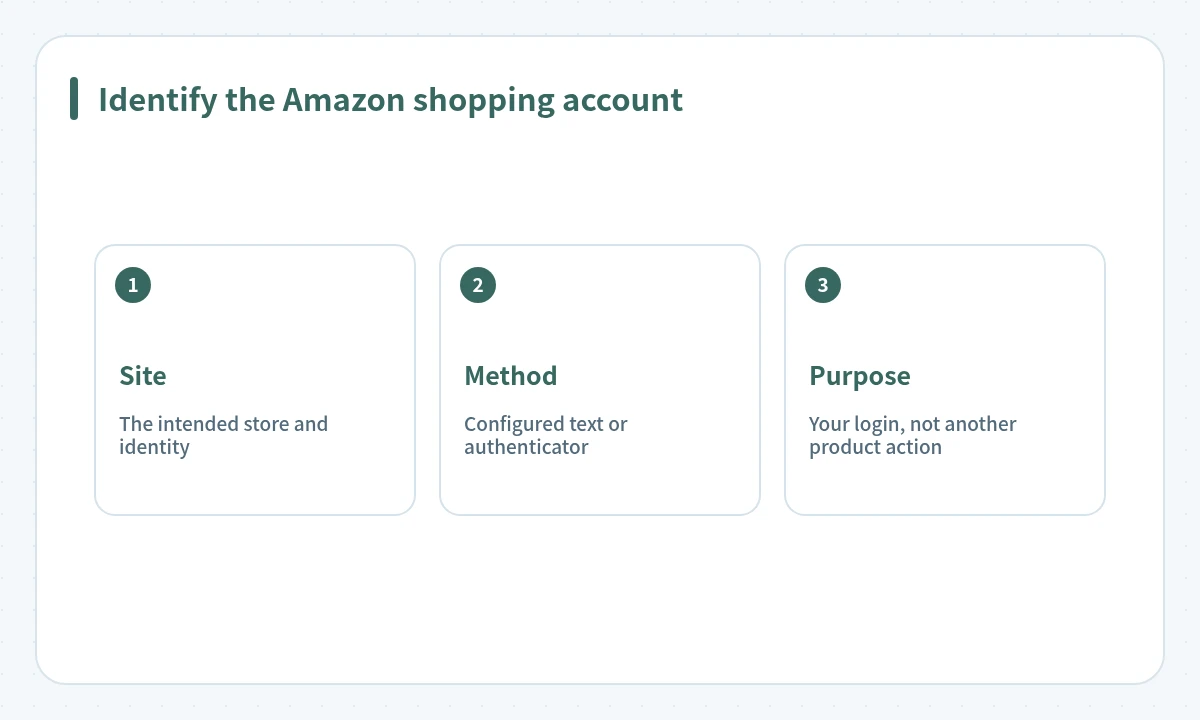
Amazon's shopping-account guidance describes two-step verification using a one-time code from a text or authenticator in addition to a password. The relevant source is the method configured for your account and selected in the current flow. If the page asks for an authenticator, inspect its matching entry; if it requests a text, inspect the displayed receiving number.
Keep account access separate from order outcomes
| Your task | The object to verify |
|---|---|
| Shopping-account sign-in | That account's current two-step method |
| Checking an order | The actual order information in the account |
| Using another Amazon product | That product's identity and verification guidance |
A login code being accepted establishes the result of that verification step. It does not establish payment completion, a posted refund or an updated delivery arrangement. For those questions, return to the relevant order in your own account rather than inferring a transaction outcome from the arrival of a security message.
This distinction also matters when asking for help. A shopping-account problem should not be described as a cloud-service login problem merely because both display Amazon branding. Name the product and screen so that support can identify the correct process.
For a missing text, check whether you control the destination
Read the country code and masked digits. Replacing a phone while keeping its number is different from retiring the old number. In the first case, inspect line activation, filtering and carrier reception. In the second, inspect the official account-access choices rather than trying to replace the existing destination with a public receiving inbox.
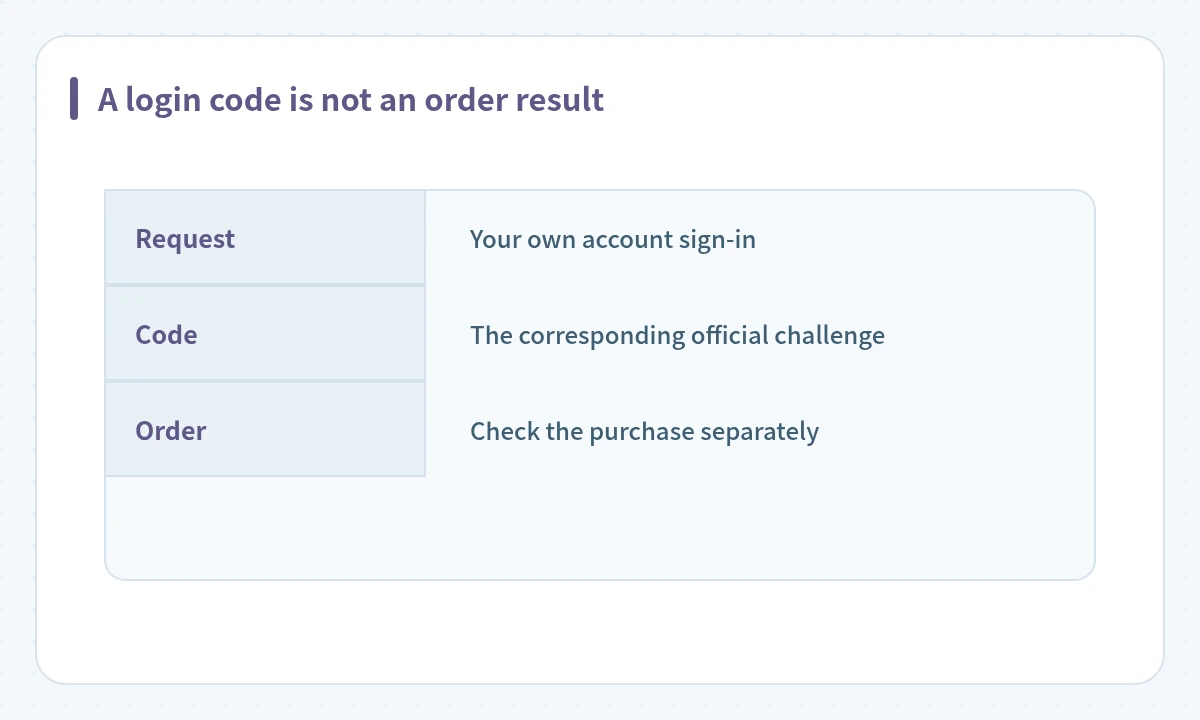
Keep the sign-in window identifiable and observe its retry instructions. Requests from multiple tabs can leave you trying messages whose relationship to the open challenge is unclear. If the active method is an authenticator, look at the account entry and device time instead of expecting a new text to fix it.
Review long-term access after the immediate problem
Preserve a working device while examining the current security settings and available backup arrangements. Establish the supported new method before removing old information. A shopping account can also expose addresses and order history, so share only the error area of a screenshot with private values hidden.
Describe the store, sign-in stage, method and error through official support. Do not send the password or live code to a person offering to handle every Amazon service for you. The practical objective is to restore your own access through the correct shopping-account process and then confirm the separate business action you intended to perform.
References
Amazon: Shopping-account two-step verification.
