
Alfagift verification codes exceeding a request limit and access problems after WhatsApp membership registration are different interruptions. Alfacare publishes separate help for them. Identify whether sending is restricted, the number is rejected, or registration completed but access failed before choosing another action.
Stop requesting after the limit is reached
Official help advises trying the following day when an OTP was not received and the request allowance was exceeded, then contacting Alfacare if the issue remains. Do not convert that statement into a guaranteed hourly reset or keep switching entry points to obtain more messages during a restriction.
Before pausing, preserve the notice and masked destination, and check that the input was not wrong. When continuing, use your own official entry and one clear request. Too many windows and similar messages make it harder to identify which operation the current value belongs to.
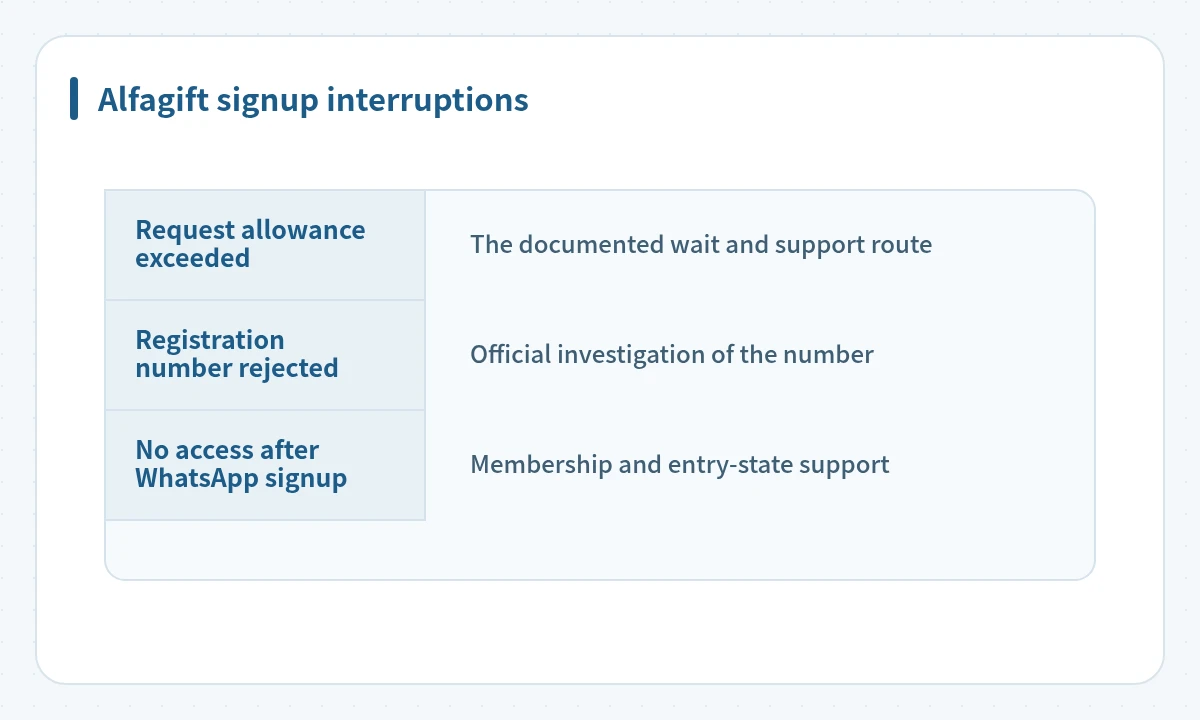
| Specific interruption | Relevant direction |
|---|---|
| Request allowance exceeded | The documented wait and support route |
| Registration number rejected | Official investigation of the number |
| No access after WhatsApp signup | Membership and entry-state support |
WhatsApp registration does not establish app entry
The help for access after WhatsApp registration directs users to support. Explain where membership registration completed, which entry you are using now, and whether the original membership identity appears. Do not change numbers to create similar details just to make a screen advance.
If you retained the registration outcome, describe it through the private support process. The whole chat history, unrelated orders, personal details, and every code are not required in a public question. The useful distinction is the completed stage and the new error.
Keep the request and registration times separate where they differ. A record that membership was created earlier and access failed today tells support more than a claim that signup never worked. It also avoids treating an old confirmation message as a credential for a new login task.
A rejected number deserves its own description
If the system refuses the number before sending, waiting for the same OTP is not the entire issue. Official help also identifies a contact route for that situation. Do not promise that another prefix or repeated input will necessarily be accepted.
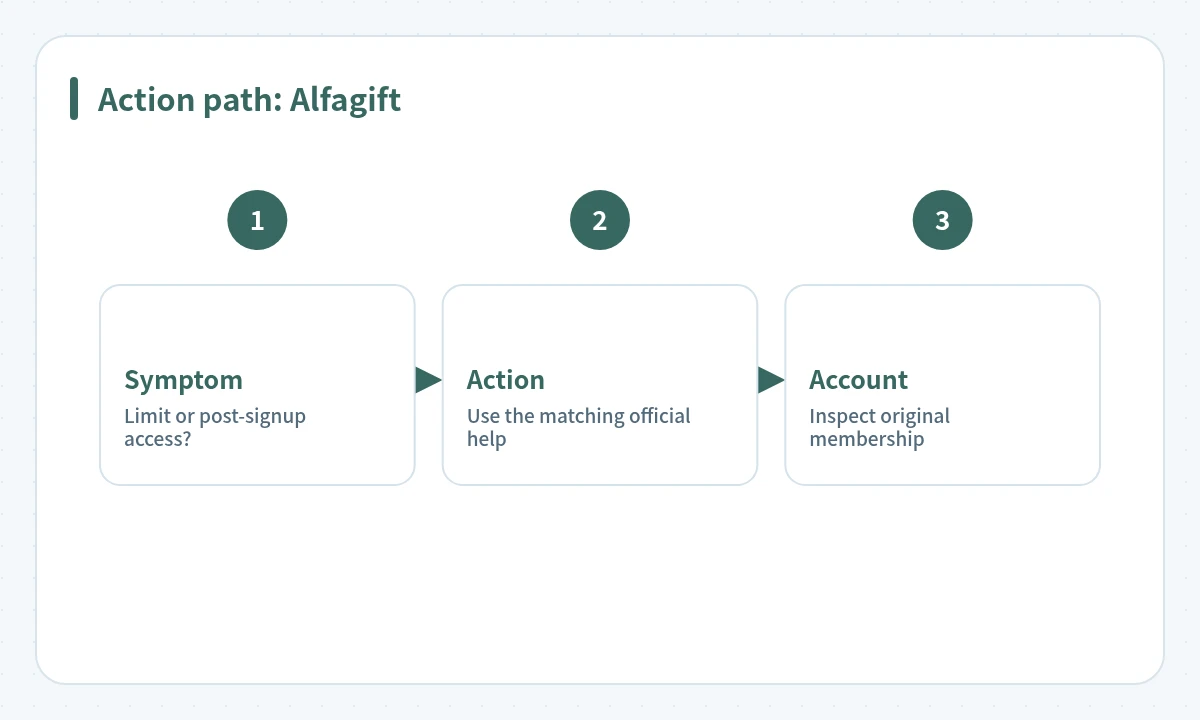
Report the time, entry point, stages already completed, and any explicit request-limit notice. Preserve the wording while hiding live values and unnecessary membership information. Read contact methods from current official help rather than accepting a stranger's forwarded support details.
After access is restored, inspect your original membership identity and expected records before using later functions. Receiving a value, entering an account, and seeing the correct membership history are distinct results. Check each where it is displayed rather than assuming the first proves all three.
If a new empty identity appears, pause before adding personal information or rebuilding records. Establish which number and access route produced it, then explain that observation to official support. More registration attempts would add uncertainty without demonstrating where the earlier membership belongs.
References
Alfacare: OTP request limits; Alfacare: Access after WhatsApp registration; Alfacare: Rejected registration numbers
