
Albertsons verification codes do not resolve an existing-account notice by themselves. If registration says the contact already has an account, inspect the sign-in route for that identity. Albertsons for U help explains that a registered phone or email can produce this message. Repeating registration requests is a different action from recovering access to the original account.
Identify the previously registered contact
Start from the official Albertsons entry and compare the phone and email used before. Its current homepage offers an account entry that can send a value, alongside other choices where displayed. Follow the active page rather than combining registration instructions with a separate sign-in attempt. A usable input field does not establish the intended operation.
For example, someone who used a number in store might later enter it during online registration and encounter an existing-account notice. Investigate the original relationship first. Substituting a relative's contact just to proceed can create another identity without answering where the original records belong.
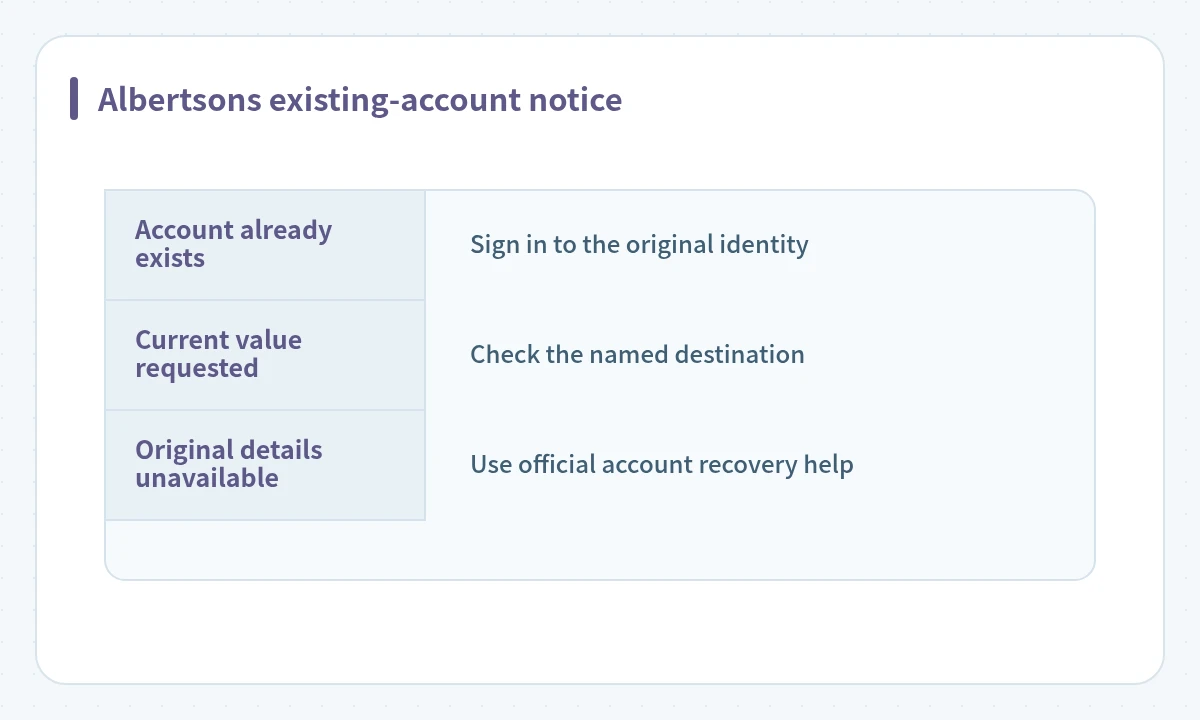
Use the response to choose a direction
| Response | First action to inspect |
|---|---|
| Account already exists | Sign in to the original identity |
| Current value requested | Check the named destination |
| Original details unavailable | Use official account recovery help |
Receiving a value confirms only the associated task. A newly obtained line working on another website does not demonstrate its relationship with the original Albertsons account. Phone-delivery capability and account ownership cannot substitute for one another when interpreting the result.
Follow the channel rather than guessing across contacts
If the page names email, inspect that address and its junk or categorized mail. If it names a phone, compare the line and blocked-message area. Avoid requesting mail for one identity while registering another number in a second window, then trying to apply whichever message arrives first.
If the resulting account is wrong, preserve the entry method used before returning to the original identity search. For a rejected value, record the request time, page and exact response. Describing the symptom only as a failed text conceals whether the request, delivery or later submission was actually blocked.
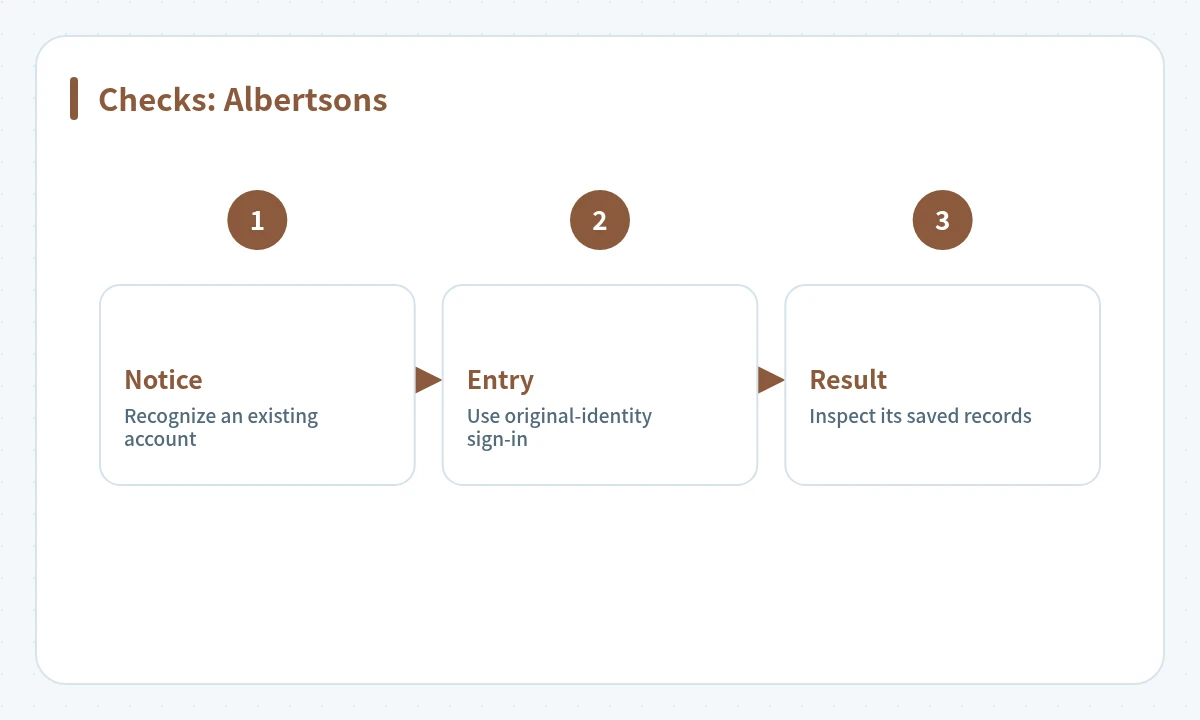
Inspect the account after reaching the website
Compare the saved identity and the records needed for the task. Seeing the shopping homepage is not proof that the original for U account is restored. Nor should a household relationship be assumed to make every member's account information interchangeable. Establish the actual signed-in identity before making further changes.
Official help points accessible users to account settings on the website or app for maintenance. Follow the current verification requirements there. Possession of a new mailbox is not a guarantee that all original contact relationships can simply be replaced. Inspect the accepted saved result rather than relying on what was typed into a form.
If self-service cannot resolve the case, tell official support about the existing-account notice, original resources still available and the intended outcome. Keep full codes, passwords and personal records out of public discussions. A clear identity trail is more useful for restoring the account than a collection of new registrations that all open successfully but lack the expected history.
References
Albertsons: existing for U accounts and information updates; Albertsons: official sign-in entry and current prompts.
