
Airtime verification codes used in registration are different from a Promo Code. Airtime's official information describes a unique registration PIN and a separate promotional entry. The first concerns account confirmation and should remain private; the second applies to a defined offer. A publicly shared promotional value cannot complete sign-in or establish ownership of an existing identity.
Identify the service and input field
This article concerns the UK Airtime Rewards service, not every communication or collaboration product named Airtime. A PIN requested during registration belongs to the phone-confirmation task. The Promo Code area described in official app guidance is a different entry point with a different purpose. Read the current field before selecting a value.
For example, entering a public offer code on the phone-confirmation screen is not a meaningful test of SMS delivery. First establish whether the intended action is creating account access or applying an offer. A value being recognized by one area does not make it a credential for another.
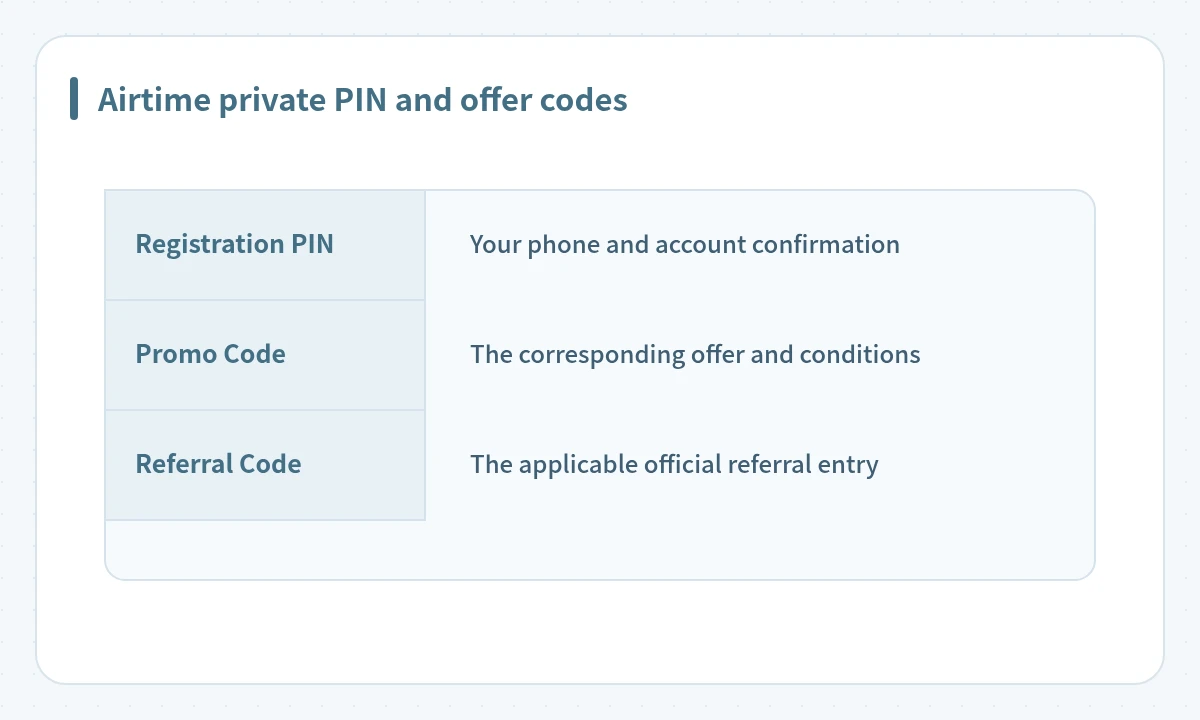
Keep three code types distinguishable
| Type | Associated task |
|---|---|
| Registration PIN | Your phone and account confirmation |
| Promo Code | The corresponding offer and conditions |
| Referral Code | The applicable official referral entry |
A promotional value being shareable does not establish that a registration PIN should also be disclosed. Airtime's registration information explicitly requires the PIN to remain private. It is an account resource, not something to exchange with another person who promises to activate a benefit.
Inspect number and network applicability separately
Official service information describes a valid UK number and checks concerning the supported network provider. Receipt of one message therefore does not establish that every number, network or later feature meets the service's requirements. Read the current supported-network information rather than assuming successful delivery settles those questions.
Before a planned provider change, open Supported Networks in the current app and note the provider shown for your own line. After the change, compare the displayed details with the intended provider and retain any update response. If those details differ, describe that mismatch to official support instead of registering another identity.
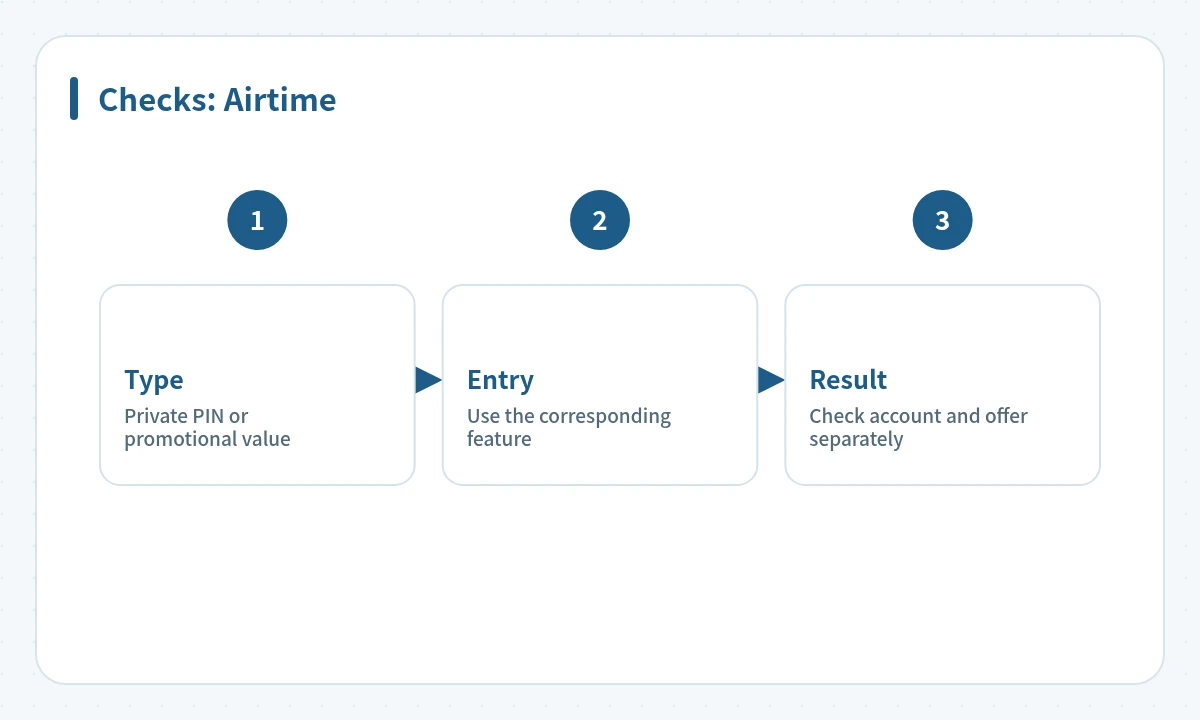
Report an offer issue or account issue through the correct task
An eligibility or expiration response in the promotional area belongs with the offer instructions. An absent registration PIN belongs with the number, active request and delivery checks. Repeating the same value across both fields cannot make the tasks equivalent or explain why either result occurred.
When seeking help, identify Airtime Rewards, the entry point, time and exact response. Do not provide the private PIN. Use the official app help or contact route, rather than handing access resources to someone describing themselves as a promotion intermediary. Ordinary masked context is enough to explain which task remains blocked.
Finish by inspecting the intended identity, then the relevant feature or offer state. Account registration, network applicability and promotional conditions require separate observations. Recording those outcomes reduces the chance that an offer problem will later be misreported as a delivery failure, while keeping the actual authentication material out of the troubleshooting record.
References
Airtime: phone registration, private PIN and network information; Airtime: promotional and referral-code purposes.
