
The phone number you verify in your Airbnb account is not the same as the temporary contact number that may appear on a home reservation. The first sits in your account profile and is used to complete phone verification. The second appears on eligible bookings so that guests and hosts can reach each other. When a text arrives, or a new number shows up, check which of those two the current page is using.
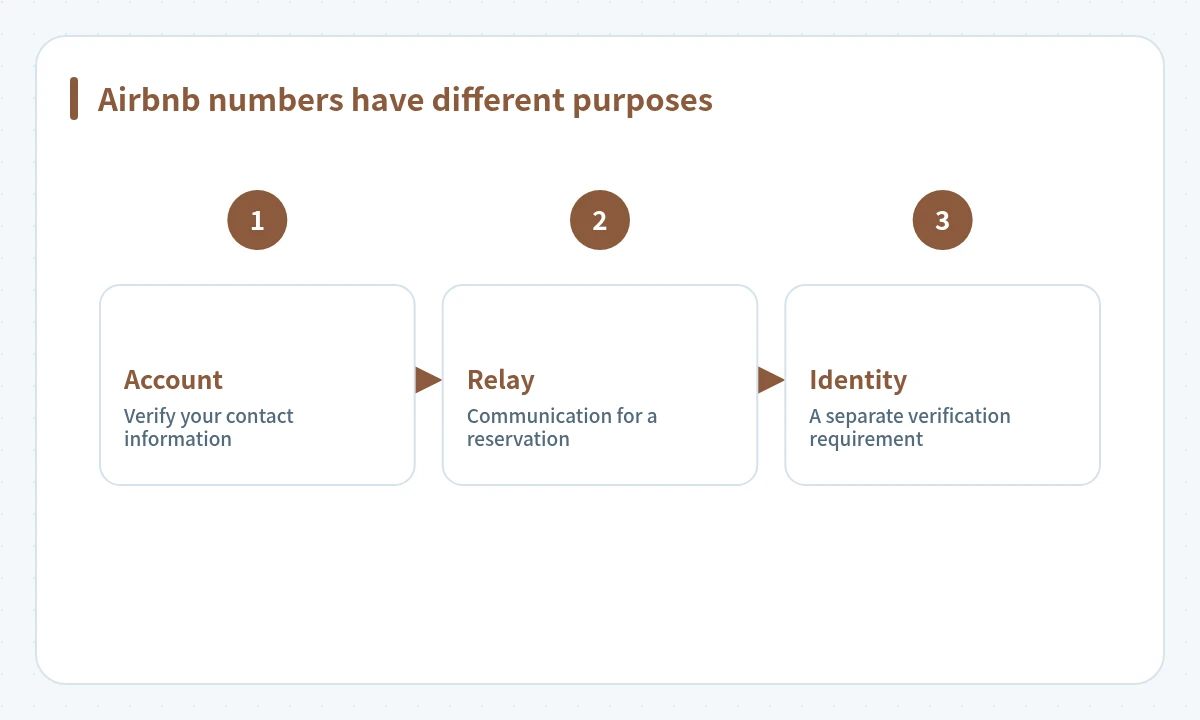
Start by identifying the number in front of you
| Where the number appears | What it is usually for | Where to check first |
|---|---|---|
| Personal information in your account, under Phone number | Completing the phone verification Airbnb requires for the account | Verify your phone number |
| Contact details on a confirmed home reservation | Letting both sides communicate on an eligible booking | How temporary phone numbers work, and the current page for that reservation |
| A number sent in an off-platform chat | It does not replace the official arrangement | Return to the Airbnb account page or that reservation page first |
Because the two numbers serve different purposes, we recommend not entering a reservation temporary number in the account phone-verification field. The contact method for a given stay is whatever that reservation page shows.
Phone verification on the account
Verify your phone number says hosts need to verify their phone numbers before listing a home, and guests must have a verified phone number before making a reservation. Keeping the number current, and removing old numbers, helps protect the account and keeps sign-in available.
On desktop, the help page currently gives this path: Profile > Account > Personal information, then Edit under Phone number. Choose the country and country code, enter the number, and select Verify. Airbnb sends a 4-digit code by text message (SMS), which you enter on the page. Menu labels in the app or on a mobile browser may differ; follow the interface in front of you.
Use that code only for the official verification you started. A completed phone check also does not mean the reservation itself is confirmed, or that every stay requirement is done. Check the official reservation page for the booking status.
Before you travel or change SIM cards, look at which number is saved on the account. The card you use for data on a trip may not be the number used for account verification. Being able to reach the other party on a reservation does not mean the number in your account profile can still receive a verification text. It is easier to review or update the number through the official flow while you can still sign in normally.
The same help page also says that after a reservation is accepted, the phone numbers on the account are displayed to the other party. How temporary phone numbers work separately describes the contact arrangement for eligible bookings. The two articles cover different questions.
Temporary contact numbers on a reservation
This is a temporary contact number Airbnb provides for eligible reservations.
According to How temporary phone numbers work, the feature is available only for eligible reservations in the United States and Canada, including reservations managed by hosts who use property-management software connected to Airbnb. If a guest or host books a home from outside these areas, temporary numbers will not be assigned. Airbnb says additional markets will be available over time; it does not give a date, and this article does not add one.
Once a home booking is confirmed, eligible guests and hosts may be issued temporary phone numbers so they can call or text (SMS) without sharing a real number. Caller ID may show “Airbnb guest” or “Airbnb host.” The numbers usually stay active from the booking date until 48 hours after checkout, or they expire immediately if the reservation is canceled. After that grace period, Airbnb Messenger remains available for further communication.
WhatsApp is not supported with these temporary phone numbers.
The assignment of the temporary number costs nothing extra. Call charges are still billed at the rates in the user’s existing plan.
If the account verification text message does not arrive, first check the phone number shown on the verification page, then wait or resend as that page instructs.
References
- Verify your phone number (help article 277), checked on 2026-11-10 (Asia/Shanghai)
- How temporary phone numbers work (help article 3764), checked on 2026-11-10 (Asia/Shanghai)
