
adidas verification codes in a student-offer context should be separated from member sign-in. Eligibility confirmation, account access and use of an offer have different purposes. A value for one task should not be treated as a pass through every later step.
Establish the market and qualification programme
adidas Australia's official student page describes student verification through UNiDAYS. That eligibility task differs from ordinary member login and has applicable market, institution and offer conditions. For another region, inspect its current official page instead of assuming the Australian arrangement is universally available.
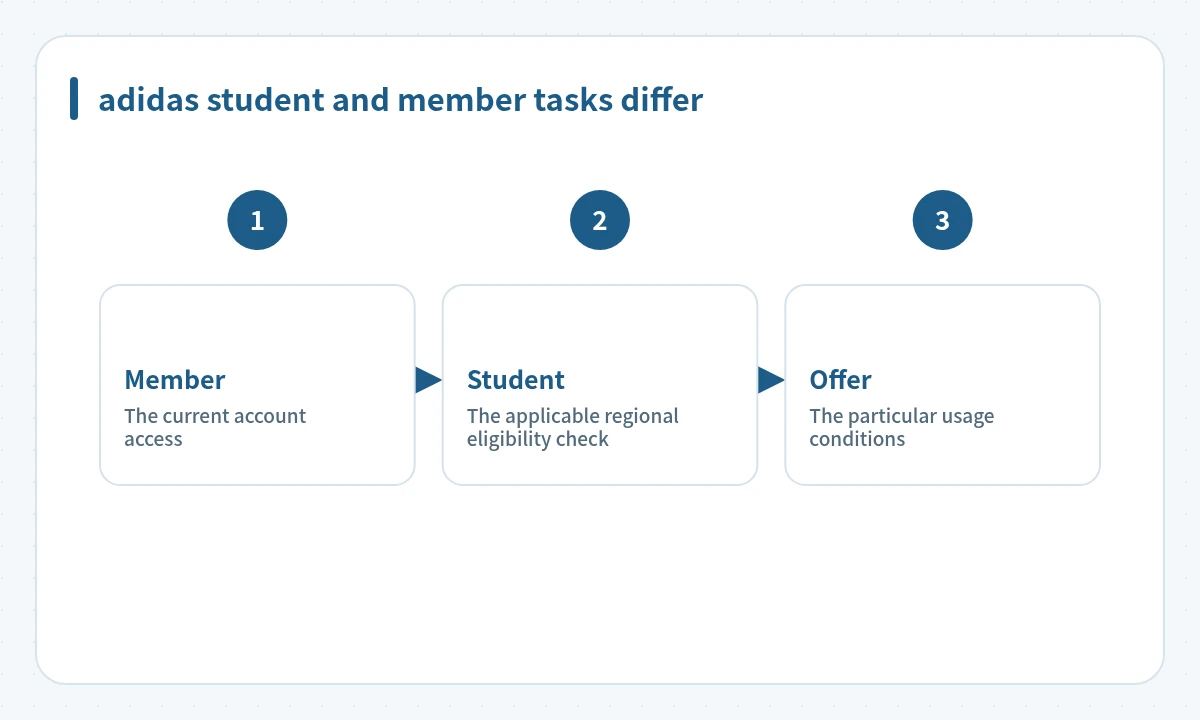
Use genuine information in the relevant formal process. Do not buy another person's eligibility, borrow documents or change school information to defeat a requirement. A mailbox or phone receiving a value does not supply the student status the task is intended to check.
Confirm three results separately
| Object | What to inspect |
|---|---|
| Member identity | The account currently signed in |
| Student eligibility | The applicable qualification task and result |
| Offer use | The current event and item conditions |
If a method is absent in the eligibility process, an outside website's purported universal code is not a legitimate replacement. Establish which service owns the task before contacting member support or the verification provider. Shared branding does not make their account information interchangeable.
A useful preparation note can name the region, provider and unfinished stage without reproducing private qualification material. This keeps a support question identifiable while leaving sensitive information in the appropriate submission process.
Submit necessary material only through the corresponding entry
Follow the real verification task for student information. Do not send material to a chat contact promising faster approval. A classmate, seller or outside operator does not need your password, emailed login link or current code to explain the programme.
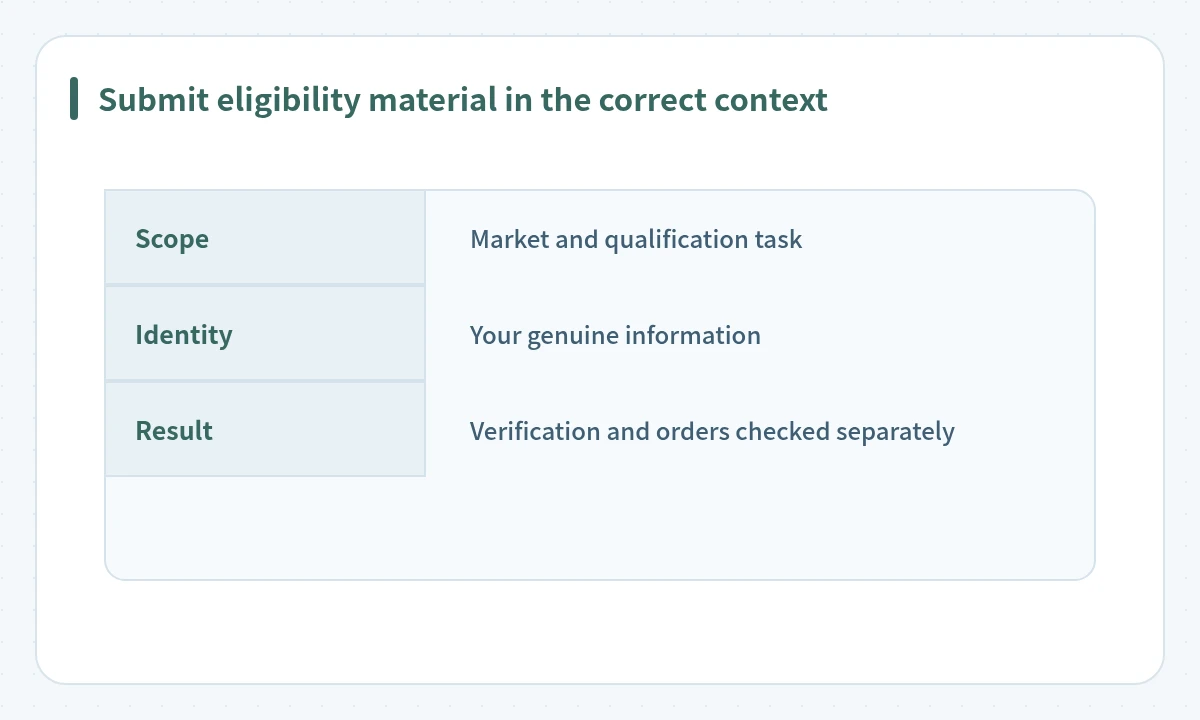
If a message is absent, identify which service requested it and which account owns the destination, then inspect that inbox or line. Do not collapse several providers' requests into one delivery failure simply because an adidas logo appears somewhere in the flow.
Keep the current request identifiable. Several windows making different qualification and login attempts can produce messages that are difficult to match. Observe the page's retry and validity instructions rather than try values from unrelated tasks.
Review purchase outcomes after eligibility
An accepted qualification does not establish that every item accepts an offer or that an order completed. Inspect the current official conditions and actual result. A member-login message or eligibility notification is not an order receipt.
Provide the task, market, service and exact error to the appropriate support route with private values hidden. Programme terms can change, so consult the current page rather than rely on another person's older result.
This guide does not promise a discount amount, eligibility approval or purchase outcome. Its purpose is to keep the account and qualification checks in the right context so a receiving problem can be investigated without disclosing unrelated credentials or submitting inaccurate information.
References
adidas Australia: Student qualification and offer context.
