
Activision verification codes should be matched to the method named on the current sign-in screen. An account can have more than one configured method, so waiting for a text does not explain a prompt asking for an authenticator value. Start with the requested method rather than the device closest to hand.
Identify what the current prompt expects
Activision's official guidance describes authenticator, SMS and email methods, with a primary method when several are enabled. Inspect that choice in your own account. An email used to confirm an account-setting change may belong to a different stage from the authenticator code subsequently requested.
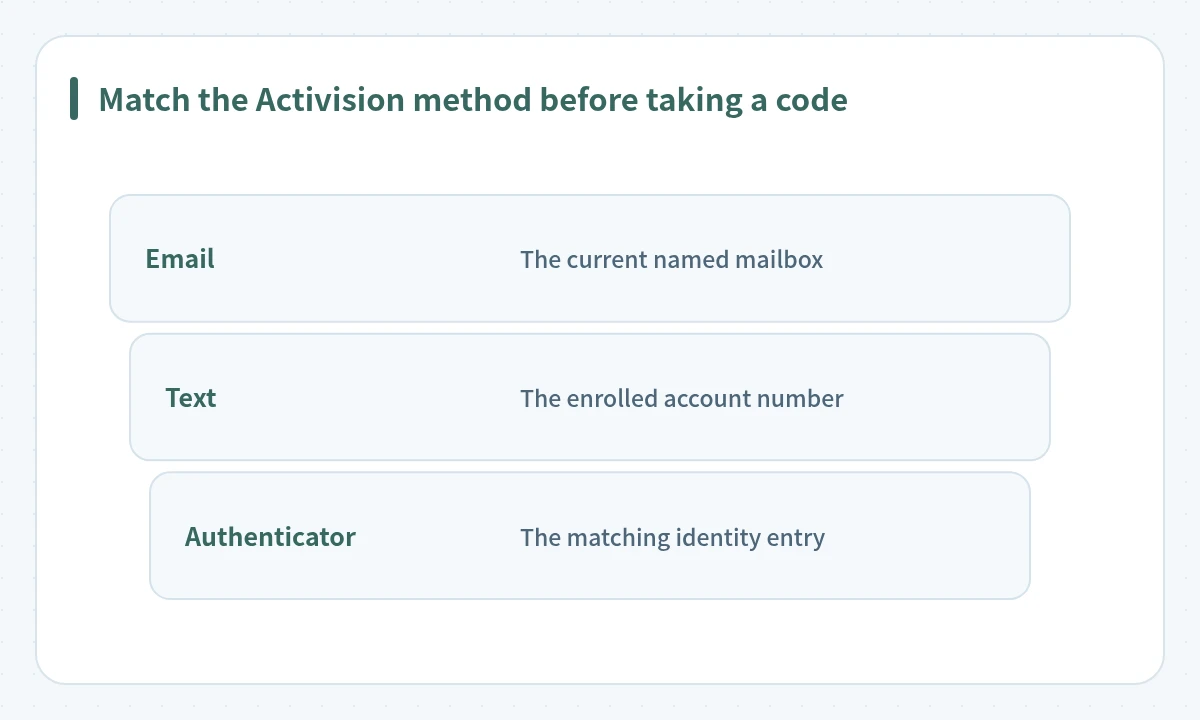
Keep three observations together: the account identity, the method label and the place where you obtained the value. If those do not match, return to the formal sign-in page before requesting more messages. A private troubleshooting note needs the labels and error, not the code itself.
Distinguish setup from an ordinary login
| Task | Result to inspect |
|---|---|
| Email confirmation | The current ownership check |
| Authenticator enrolment | The method's enabled state |
| Later sign-in | Access to the intended identity |
A phone displaying a new authenticator entry does not alone establish that the account accepted setup. Complete the official confirmation and inspect the saved setting. Otherwise, a later failure may be described as a reception problem even though enrolment never finished.
When several accounts appear in an authenticator, compare the actual account before using a value. The service name alone can be insufficient to distinguish two identities. Avoid deleting entries while trying to discover which one is relevant.
Reserve backup codes for unavailable authentication
The official instructions treat backup codes as single-use alternatives when the authenticator is unavailable. Keep them protected somewhere that does not disappear with the same phone. They are access material, not examples to paste into a help discussion.
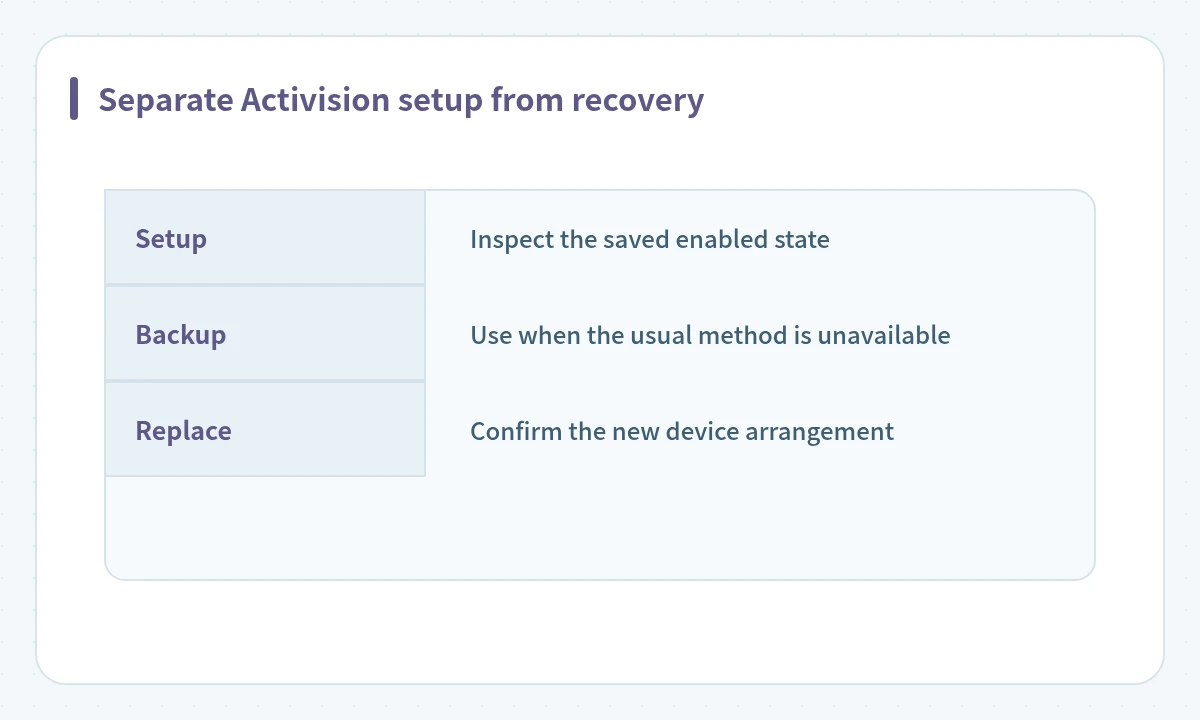
Before changing devices, determine whether the old authenticator still works and whether you retained recovery material. Follow the official replacement procedure offered for your account. Moving a SIM card preserves a telephone resource; it does not establish that an authenticator entry moved too.
Do not consume a whole set of backups simply to test the login box. If a backup is used for a genuine recovery task, distinguish that successful entry from completion of the new phone's security setup.
Check the account and the product separately
After entry, inspect the expected profile and configured methods. A game's additional requirement needs its own current product guidance; an email login should not be treated as proof that every product-specific check is complete.
If a method is absent, record the actual account page rather than insist it must exist because an old screenshot shows it. Support can investigate the method, stage, time and masked error. If no enrolled resource remains usable, use formal recovery instead of borrowing identities or repeatedly registering accounts. The useful outcome is restored access to the original identity with a known, working security arrangement.
An important distinction during enrolment is the requested action: confirming your email, activating a method and selecting it as primary are separate decisions. Inspect the saved account settings for each decision you intended, rather than infer all three from a single delivered message.
References
Activision: Account authentication methods and backup codes.
