
Before requesting 2dehands verification codes, check the country selector if your number's country is missing. The official security guide limits the mobile-number countries available at registration or update. A correctly formatted number and a number within the permitted range are separate conditions.
The country field changes the destination
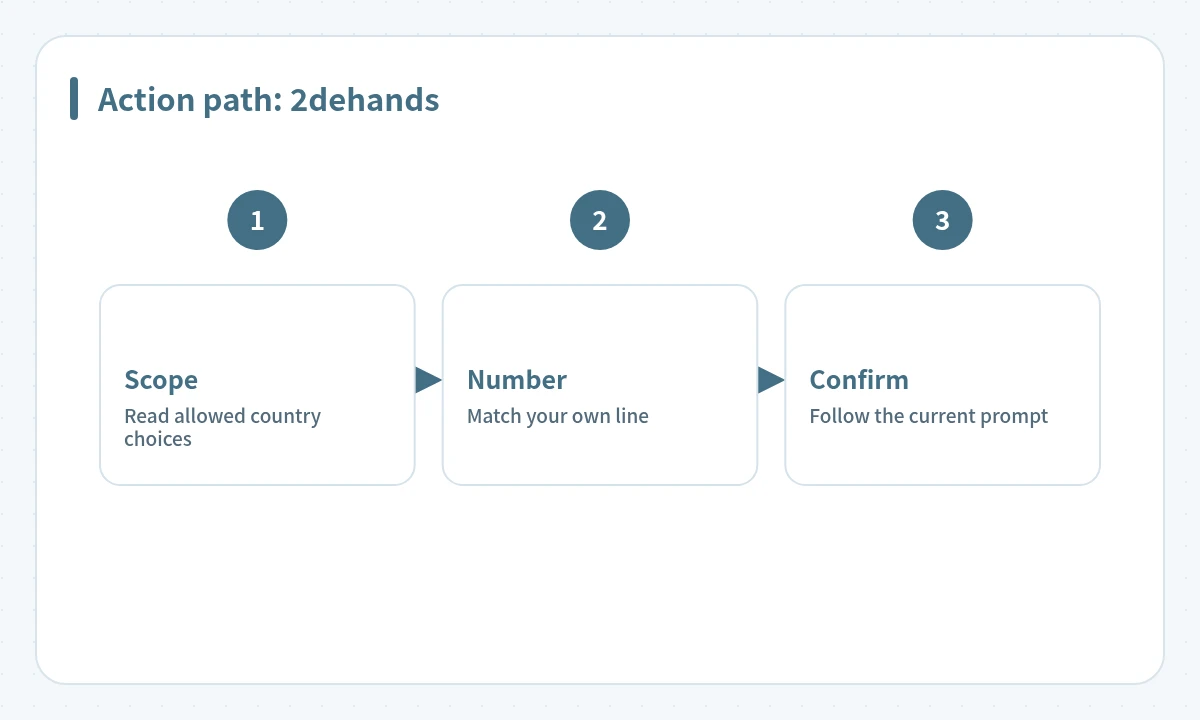
Read the choices actually offered, then compare them with your own line. Selecting a nearby country and forcing the digits into its format is not evidence that your original number is supported. It can create a different destination altogether.
Do not treat another user's old screenshot as the current list. The live selector and official help are the relevant sources for your request. A format accepted by a related marketplace in another country cannot establish what this particular page allows.
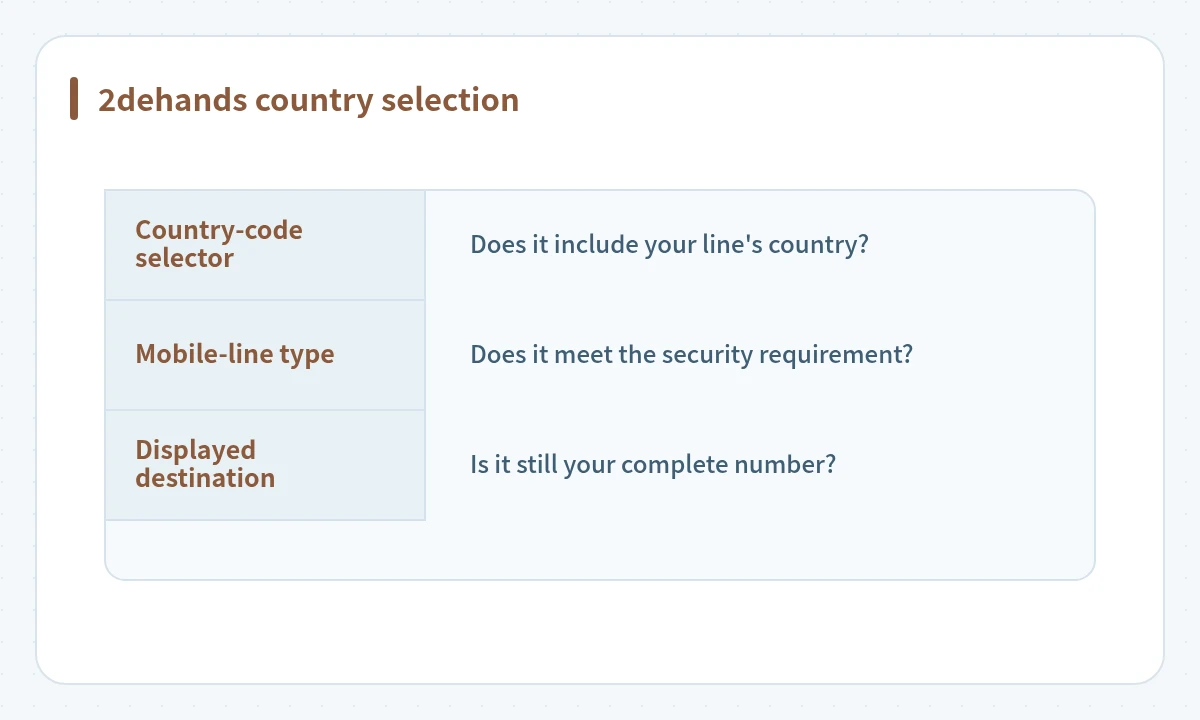
| Item | Question to answer |
|---|---|
| Country-code selector | Does it include your line's country? |
| Mobile-line type | Does it meet the security requirement? |
| Displayed destination | Is it still your complete number? |
Handle formatting after the scope is clear
If the country is available and the line belongs to you, follow the page example. Check whether the prefix is supplied automatically. Combining a domestic dialing pattern, an international prefix, and an already selected country can produce an input different from what you intended.
Compare the resulting destination before submission. If the page immediately rejects it, keep that exact message rather than reporting a text was sent and lost. Only move to device filtering and reception checks once the request actually reaches a sending stage.
A useful support description can state that the required country is absent, that the format is rejected, or that a correctly addressed request reports sent without a message appearing. These are different observations. Keeping them distinct avoids a long delivery investigation for a field that never accepted the input.
Do not assume the protection can simply be removed
The official guide says the SMS security check cannot be disabled after activation and does not offer another universal protection method in that explanation. Changing a password should not be assumed to remove the separate requirement merely because you would prefer fewer steps.
For a replacement line or loss of the old number, consult the relevant official account help. Preserve usable access and earlier records while checking. Do not create several identities to see which country is easier or appoint another person's phone as a long-term security contact.
Give support the country choices, the actual line country, failure stage, and a redacted prompt. Keep complete values private. The objective is an accurate account destination and a supported access route, rather than making an arbitrary digit sequence pass the form.
After a correction is accepted, inspect the saved field and current account identity. This establishes what changed without repeatedly signing out and starting new requests solely to test a setting you have not yet checked on the page itself.
If the interface language makes the selector unclear, read the associated label before choosing. A country code is part of the receiving address, rather than a preference that can be changed independently of the line.
References
2dehands: SMS security and permitted number countries
