Before testing a virtual mobile number for receiving text messages, check the recipient field. A receiving service can be working normally while the sender is addressing a different number. Country selection, domestic prefixes and automatic form formatting can all make a number look familiar without representing the endpoint you intended.
Keep the provider's assigned number as your reference. Compare the complete value, not just its final digits, and avoid reconstructing it from memory. The same check is useful when a number has been copied between a spreadsheet, a contact list and a web form.
Domestic appearance and international addressing are different
A number displayed for local use may include a domestic dialing prefix or separators. An international form commonly uses a plus sign followed by a country code and the relevant national number. Do not blindly append one representation to the other. In particular, a local prefix should not be kept or removed by guesswork.
Use the receiving provider's documented international representation and the sending service's instructions. Some forms ask you to choose a country separately; others expect the country code in the number field. Entering it in both places can create the wrong value. Inspect the form's final recipient display before sending, if it provides one.
A country picker may also change formatting after you paste a number. Check the saved contact or completed field, not only the text that was originally in your clipboard. If the form rejects the provider's documented format, investigate the reason rather than repeatedly altering digits until validation disappears.

Make a comparison that can actually locate the error
For a permitted, non-sensitive test, record the number assigned by the receiver and the final recipient used by the sender. Keep those details in a private support context. Public screenshots should reveal only the limited portion needed to explain the formatting issue.
Ask the sender to confirm the destination from its own sent record. A contact's display name does not prove which number was used. A saved contact may contain an old value, multiple numbers or a label that no longer matches the current endpoint.
If a message went to an unintended number, stop further tests until the address is corrected. Do not send personal data or authentication codes simply to see who receives them. A plain test agreed with the authorized parties is enough to compare the addressing path.
A valid format does not guarantee compatibility
Passing a form's basic checks tells you little about whether a platform accepts the number type. A correctly written number may still be outside the sender's supported destinations, unsuitable for a particular verification flow or subject to other service restrictions. These are separate questions from whether the digits were entered correctly.
Likewise, a successful ordinary text does not establish that all automated messages will arrive. Keep the result narrowly described: this sender used this documented recipient value for this permitted test. Broader compatibility claims require evidence from the actual platform and service involved.
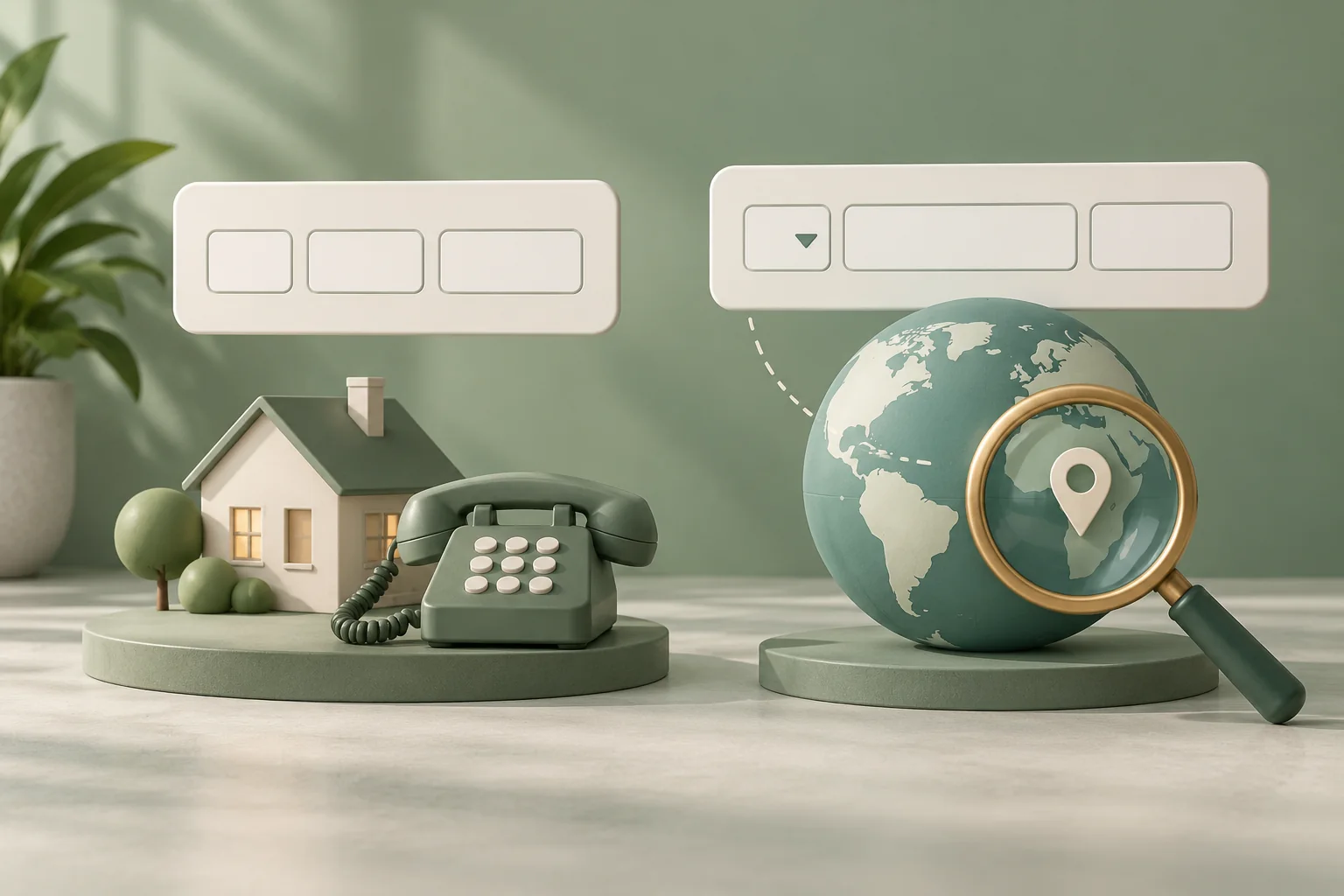
When seeking help, separate the observations. Say whether the form rejected the value before sending, accepted it but produced no receiving record, or saved a different destination. That gives support a more useful starting point than simply saying the number does not work.
A receiving inbox may show its own number in a shortened local style while the sender uses an international representation. Different appearance alone does not prove an error. Compare the meaning against the provider's documentation rather than requiring every screen to use identical punctuation.
For an example of a documented international format, see Twilio's Message documentation, which describes a plus sign and country code for its phone-number addressing. Apply the requirements of the service you actually use; do not assume that another provider's form handles input identically.



 Contact this website